Home/Blog/Apps & Product
Apps & Product · 11 min read

SaaS MVP: build, buy, or no-code?

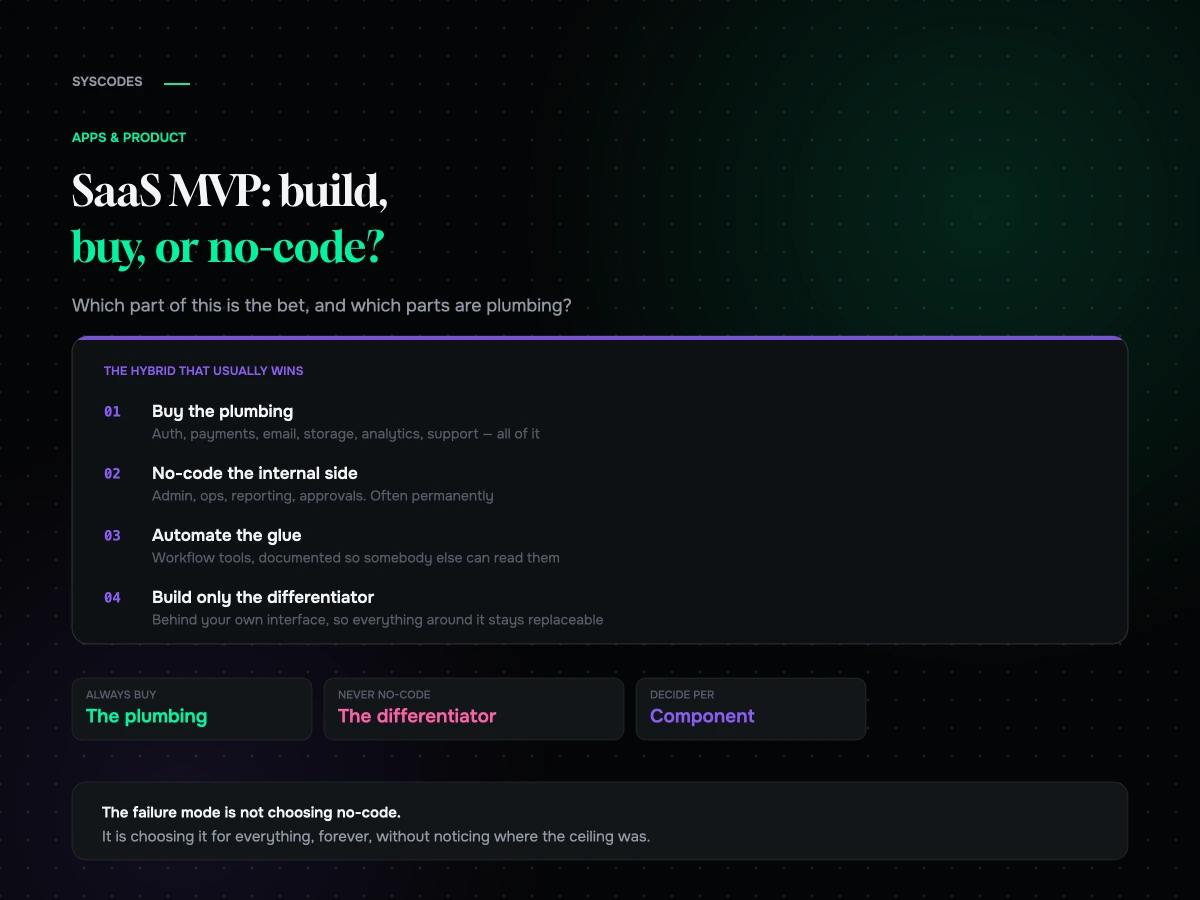
The argument is usually had at the wrong level. The question that actually separates the three is narrower: which part of this are you betting the company on, and which parts are plumbing?

SaaS MVP: build, buy, or no-code?
S
Sayan SahaUpdated August 2026 · 11 min read

The build-versus-no-code argument is usually had at the wrong level. One side says no-code is not real software; the other says building from scratch is a waste of a runway. Both are describing situations rather than principles, and neither position survives contact with a specific product.

The question that actually separates them is narrower: which part of this product is the thing you are betting the company on, and which parts are plumbing?

Plumbing should be bought or assembled, always. The bet should be built, eventually. Almost every good answer is a mixture, and the mistakes come from applying one approach to the whole thing.

Three approaches, honestly
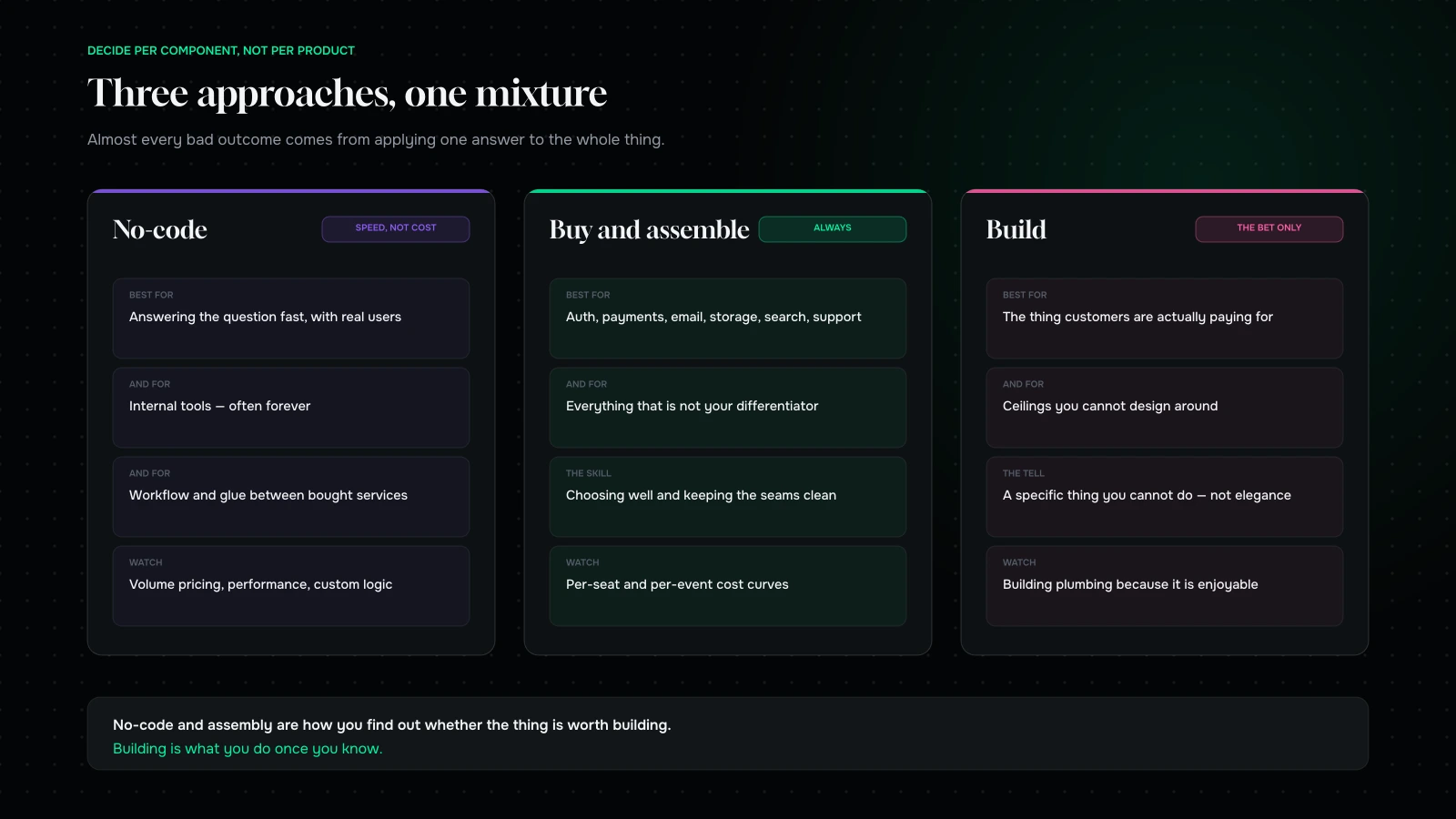
Three approaches to building a SaaS MVP — no-code, assembled from services, and custom-built — with what each is genuinely good at
Almost every good answer is a mixture. The failures come from applying one approach to everything.

No-code. Visual builders, workflow automation, database-backed app tools. Genuinely capable now, and the reason to use them is speed rather than cost — a working product in weeks, changeable in an afternoon, without a developer in the loop for every adjustment.

Buy and assemble. Existing services joined together: authentication, payments, email, storage, scheduling, analytics, search, support. This is not a lesser option; it is what competent teams do for everything that is not their differentiator, and the only real skill is choosing well and keeping the seams clean.

Build. Writing the software. Correct for whatever is genuinely yours, and expensive everywhere else.

The frame that resolves most arguments: no-code and assembly are how you find out whether the thing is worth building. Building is what you do once you know.

What no-code is genuinely good for

Answering a question fast. If your unknown is whether anybody wants this, a no-code version answers it in a fortnight instead of a quarter, which is the entire point of scoping an MVP properly.

Internal tools, indefinitely. Admin panels, ops dashboards, approval workflows, reporting. Frequently these should never become custom software at all — the audience is small, the requirements change constantly, and the people who need changes can make them themselves.

Workflow and glue. Connecting the services you bought, moving data between them, triggering things. Automation tools do this well, permanently.

Marketing and content surfaces. Landing pages, onboarding sequences, documentation. Nobody should be writing these from scratch.

Prototypes with real users. Not a clickable mock — something people actually use, with real data, which is a completely different quality of feedback.

Where it becomes technical debt

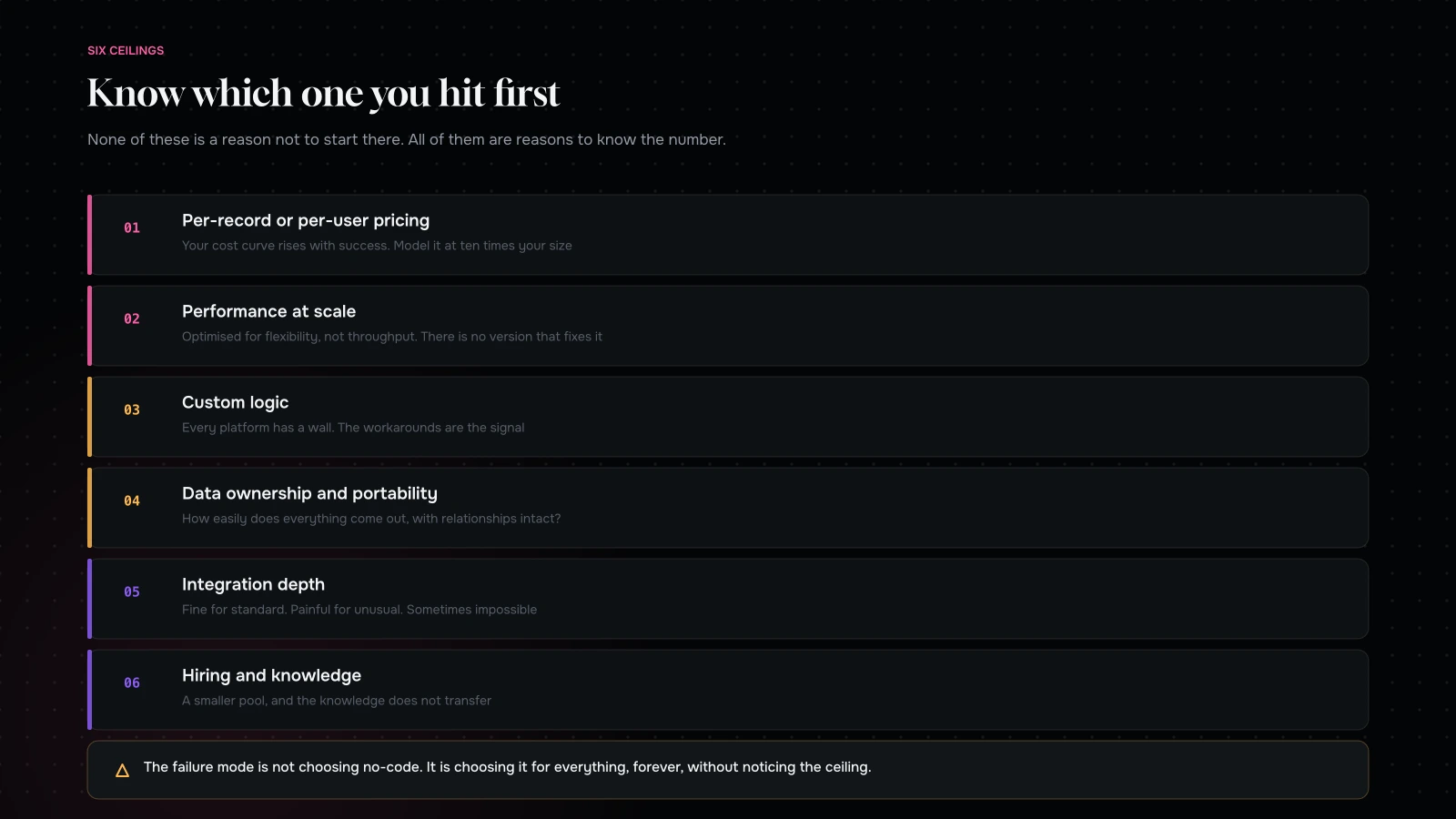
Where a no-code build stops being an advantage: scale, cost curve, data ownership, custom logic, integration depth and hiring
None of these are reasons to avoid starting there. All of them are reasons to know where the ceiling is.

Six ceilings, and knowing where they are is more useful than a general opinion.

Per-record or per-user pricing. No-code platforms often price on volume, which means your cost curve rises with success. Model it at ten times your current size before you commit anything load-bearing.

Performance at scale. These tools are optimised for flexibility, not throughput. There is usually a data volume or a concurrency level where things become slow and there is nothing you can do about it.

Custom logic. Every platform has a wall. Complex pricing, unusual permission models, multi-step calculations with real edge cases. You will feel it as a series of increasingly clever workarounds, and the workarounds are the signal.

Data ownership and portability. How easily can you get everything out, with relationships intact? Ask before you start, not when you are leaving.

Integration depth. Fine for standard connections. Painful for anything unusual, and sometimes impossible.

Hiring and knowledge. A no-code product is maintained by people who know that platform. That is a smaller pool, and the knowledge does not transfer.

None of these are reasons not to start there. All of them are reasons to know which ceiling you will hit first, and roughly when.

What “no-code is not real software” gets right

Worth steelmanning the objection, because it is not simply snobbery.

You cannot read it. A workflow built visually is genuinely harder to review, diff and reason about than code. There is no pull request, no history you can search, and frequently no way to see everything that happens when a record changes. On a small product that is fine. On a growing one it becomes the reason nobody is confident changing anything.

Testing is weak. Automated tests are how you make changes without fear. Most no-code environments offer little, which means every change is manual regression testing by whoever built it.

Environments are thin. Staging, rollback and deploying a set of changes together are standard in software and inconsistent here. On a live product with customers, that matters.

It hides complexity rather than removing it. The logic is still complex; it is just distributed across screens instead of expressed in one place.

All four are real, and none of them argues against starting there. They argue for two things: keep the logic documented outside the tool, and treat the point at which people become nervous about changing it as a signal rather than a personality problem.

Keep a migration path from day one

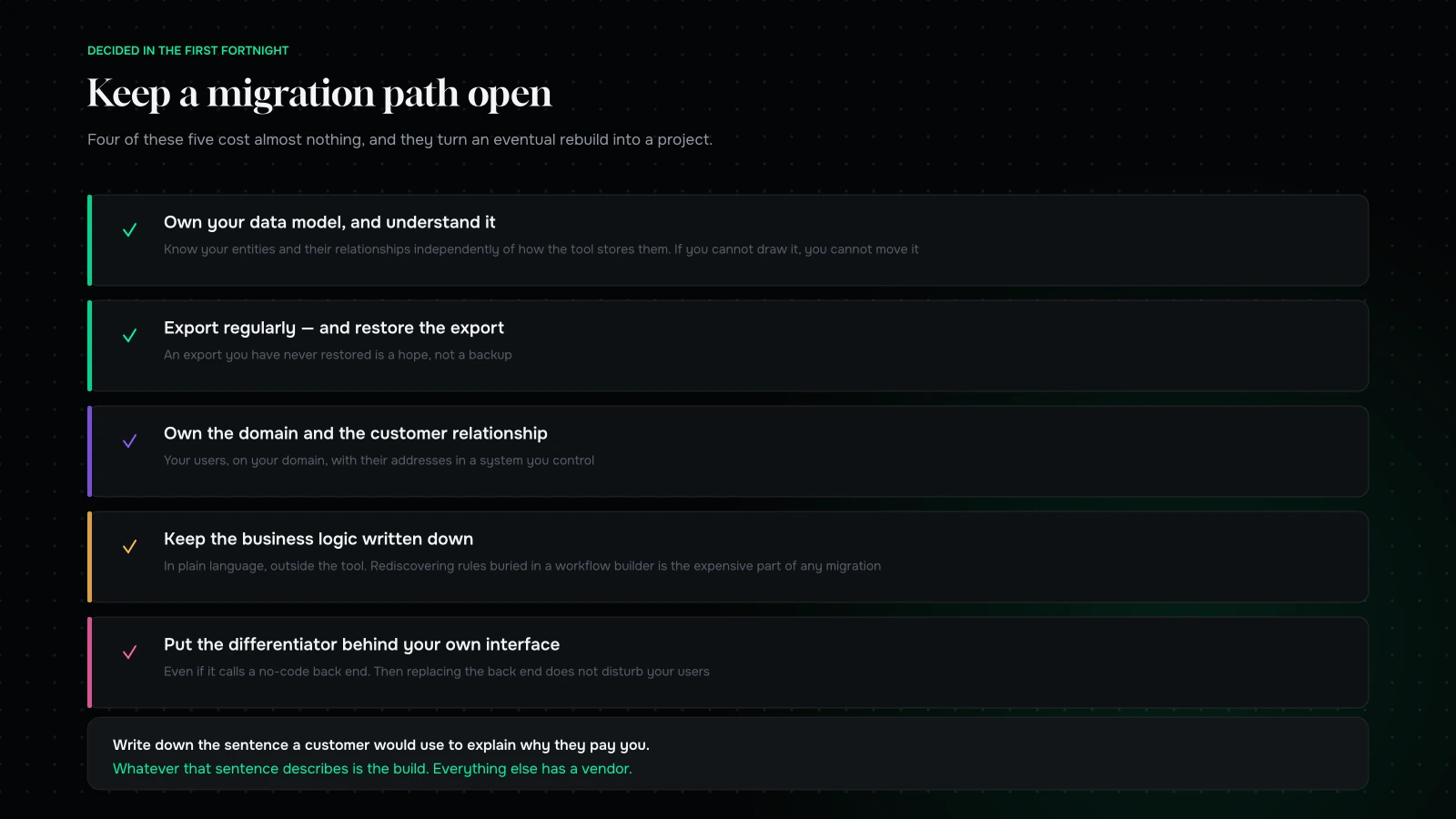
How to keep a migration path open when starting on no-code: own the data model, own the domain, own the customer relationship, and keep the logic documented
Four decisions at the start make the eventual move a project instead of a rebuild.

The difference between no-code as a smart start and no-code as a trap is almost entirely decided in the first fortnight.

Own your data model, and understand it. Know what your entities are and how they relate, independently of how the tool stores them. If you cannot draw it on a whiteboard, you cannot move it.

Export regularly, and test the export. Not because you expect to leave — because an export you have never restored is a hope rather than a backup.

Own the domain and the customer relationship. Your users should be your users, on your domain, with their email addresses in a system you control.

Keep the business logic written down in plain language, separately from the tool. The single most expensive part of migrating off no-code is rediscovering the rules that live inside somebody’s workflow builder.

Put anything genuinely differentiated behind your own interface as early as you can afford to, even if it calls a no-code back end. Then replacing the back end does not disturb your users.

Four of those five cost almost nothing and they convert an eventual migration from a rebuild into a project.
Buy: the option people skip

Between no-code and building sits the approach that most good teams actually use, and it gets less attention than either.

Authentication, payments, transactional email, file storage, search, scheduling, notifications, analytics, error tracking, support. Every one of these is a solved problem sold as a service, and every hour spent building one is an hour not spent on the thing you are betting on.

The discipline is not in choosing which to buy — buy them all — but in three things.

Keep the seams clean. Wrap third-party services behind your own small interfaces so replacing one is contained.

Model the cost curve. Per-seat and per-event pricing compounds. Know what your stack costs at ten times your size.

Do not buy your differentiator. If the thing you are selling is search quality, do not outsource search. Everything else, yes.

Build: when it is actually right

Four situations.

The thing is the differentiator. Your algorithm, your model, your workflow, the part customers are paying for.

You have hit a ceiling you cannot design around, and the workarounds have become the system.

The economics have inverted. Your platform bill exceeds what engineering would cost — which happens at scale on usage-priced tools more often than people expect.

A hard requirement. Data residency, certification, an integration that has to be deep, a latency budget.

Outside those, building is usually a preference dressed as a requirement. The tell: if the argument for building is about elegance, control or “doing it properly”, it is a preference. If it is about a specific thing you cannot do, it is a requirement.

The decision, as a table

One row per component. Fill it in for your own product and the argument largely resolves itself.

ComponentIs it the differentiator?Does volume make it expensive?Verdict
AuthenticationNoNoBuy
Payments and billingNoNoBuy
Transactional emailNoRarelyBuy
File storage and deliveryNoSometimesBuy, watch the curve
Analytics and error trackingNoNoBuy
Admin and internal opsNoNoNo-code, probably forever
Reporting for internal useNoNoNo-code
Workflow and glueNoSometimesAutomation tools, documented
Customer-facing interfacePartlyNoBuild, once it is stable
The thing you are betting onYesYesBuild

Two columns, one verdict. The only genuinely contested rows are the last two, and those are the rows worth arguing about.

Questions to ask a no-code platform before you commit

Five, in writing, before anything load-bearing goes on it.

“What does this cost at ten times our current volume?” Get the actual pricing tiers, not a sales answer.

“How do we get all of our data out, with relationships intact?” Ask for the format. Then try it on your test data.

“What happens at [a specific scale] — records, concurrent users, requests?” A vague answer is an answer.

“Which of these three things can your platform not do?” Name three plausible future requirements. Honest platforms will tell you, and the ones that say “anything is possible” are the ones to be careful with.

“Who owns the customer relationship and the domain?” Make sure it is you.

Ask the same five of any bought service, adjusted. The point is not to find a platform with perfect answers — none exist — but to know exactly where your ceiling is on the day you start, rather than on the day you hit it.

The hybrid that usually wins

Concretely, for most early SaaS products.

Buy the plumbing. Auth, payments, email, storage, analytics, error tracking, support.

No-code the internal side. Admin, ops, reporting, approvals. Often forever.

Automate the glue with workflow tools, and document what each automation does.

Build only the differentiator, and build it behind your own interface so everything around it can be replaced without your users noticing.

That mixture ships fast, costs little, and puts your engineering effort exactly where it earns something. It is also the architecture that migrates most gracefully, because the parts most likely to be replaced are the parts you did not write.

A worked example: splitting a product

Take a plausible B2B SaaS: a tool that ingests a company’s shipping data, flags likely delivery problems, and lets an operations team act on them.

The bet. The flagging. That is the product — the logic that decides which shipments are at risk and how confident it is. Everything a customer would describe as the reason to pay is in that one component.

The plumbing. Sign-in, billing, transactional email, file uploads, error tracking, support chat, analytics. All bought, none built, and none of it worth an hour of anybody’s attention.

The internal side. Onboarding a new customer, mapping their data columns, checking the model’s output, handling a support escalation. No-code, and probably forever — the audience is four people and the requirements change monthly.

The glue. File arrives, gets normalised, gets scored, results get written, notification gets sent. Workflow automation, documented.

What that leaves to build. The scoring logic and the interface the operations team uses every day. Perhaps a fifth of what the original architecture diagram had in it, and the only part a competitor could not assemble in a fortnight.

And the ceiling to watch. The volume at which running the scoring through automation tools becomes slow or expensive. That number is knowable in advance, and it is the thing that should be monitored from month one — not discovered when a customer complains.

The pattern generalises. Write down the sentence a customer would use to explain why they pay you. Whatever that sentence describes is the build. Everything else has a vendor.

Three mistakes, all avoidable

Building the plumbing because it is enjoyable. Authentication is a well-understood, security-sensitive, entirely solved problem, and writing it is a pleasant way to spend three weeks not testing your hypothesis. The same applies to billing, which is considerably harder than it looks.

No-coding the differentiator. The inverse error, and the more damaging one. If the thing you sell lives inside a workflow builder, you cannot tune it, you cannot explain it, you cannot protect it, and your ceiling is somebody else’s roadmap.

Rewriting everything at once when the ceiling arrives. The migration that fails is the one framed as “let us rebuild it properly”. Move the differentiator first, keep the bought plumbing exactly where it is, and leave the internal tools on no-code until somebody has a specific reason to change them. A phase at a time, with the product live throughout.

The common thread is the same one running through all of this: decide per component, not per product. Almost every bad outcome here comes from applying one answer to the whole thing.

Signals it is time to move

Five, and the first four are the ones people notice too late.

You are building workarounds for your workarounds. Two layers of cleverness is the platform telling you.

The platform bill has become a line somebody asks about. Compare it to a developer’s cost, honestly.

Performance complaints you cannot act on. The clearest signal, because there is no version of the tool that fixes it.

A deal you cannot do. A customer requires something the platform cannot express — certification, residency, an integration. One of these is a warning, three is a decision.

Nobody wants to work on it. Underrated. If maintaining it is unpleasant and hiring for it is hard, the cost is real even if it does not appear anywhere.

When two or three of these are true, plan the move deliberately — a phase at a time, starting with the differentiator, keeping the plumbing bought.

What this looks like on a timeline

For a founder deciding what to do this quarter, the sequence matters more than the philosophy.

Weeks one to two: assemble. Landing page, sign-up, payment, and a no-code back end that does the job manually or semi-manually behind a real interface. You are not building a product yet; you are building an instrument, exactly as MVP scope discipline describes.

Weeks three to eight: run it. Real users, real data, manual effort where the automation would have been. Take notes on every decision your team makes by hand — those notes are the specification for the thing you will eventually build.

Weeks nine to twelve: decide. Is the question answered? If no, iterate cheaply, which is the whole reason you started this way. If yes, identify the single component that is genuinely the differentiator and start building only that.

Month four onwards: replace one thing at a time. The differentiator first, behind your own interface. The plumbing stays bought. The internal tools stay on no-code until somebody has a specific reason.

The founders who get into trouble compress this into “let us just build it properly” in week one, because building feels like progress and assembling feels like cheating. It is not cheating. It is the version where you find out whether the thing is worth building before you spend a year on it.

What it comes down to

Do not choose an approach for the whole product. Split it: the bet, and the plumbing.

Buy the plumbing, always. No-code the internal tools, often permanently. Use no-code to answer the question you cannot answer without shipping something. And build the part you are betting the company on — after you know it is worth building, behind your own interface, with the data model in your head and an export you have actually restored.

The failure mode is not choosing no-code. It is choosing it for everything, forever, without noticing where the ceiling was.

Working out where the line sits? Send us what your product does and which part is the differentiator, through the contact form. We will tell you what we would buy, what we would no-code, what we would build, and which ceiling you will hit first — and roughly when.

You can also read MVP scope discipline, or mobile app or PWA for a D2C brand.

Per component, not per product

Tell us what your product does and which part is the differentiator.

We will come back with what we would buy, what we would no-code, what we would build, and which ceiling you are likely to hit first, with a rough sense of when.

If the answer is that you should assemble the whole thing for a quarter before writing any software, we will say that. It is a smaller engagement and a much better use of a runway.

NDA on request · you will hear back from Sayan or a senior lead, never a bot

More on Apps & Product

Building product without building all of it.

Mobile app or PWA for a D2C brand
Apps & Product

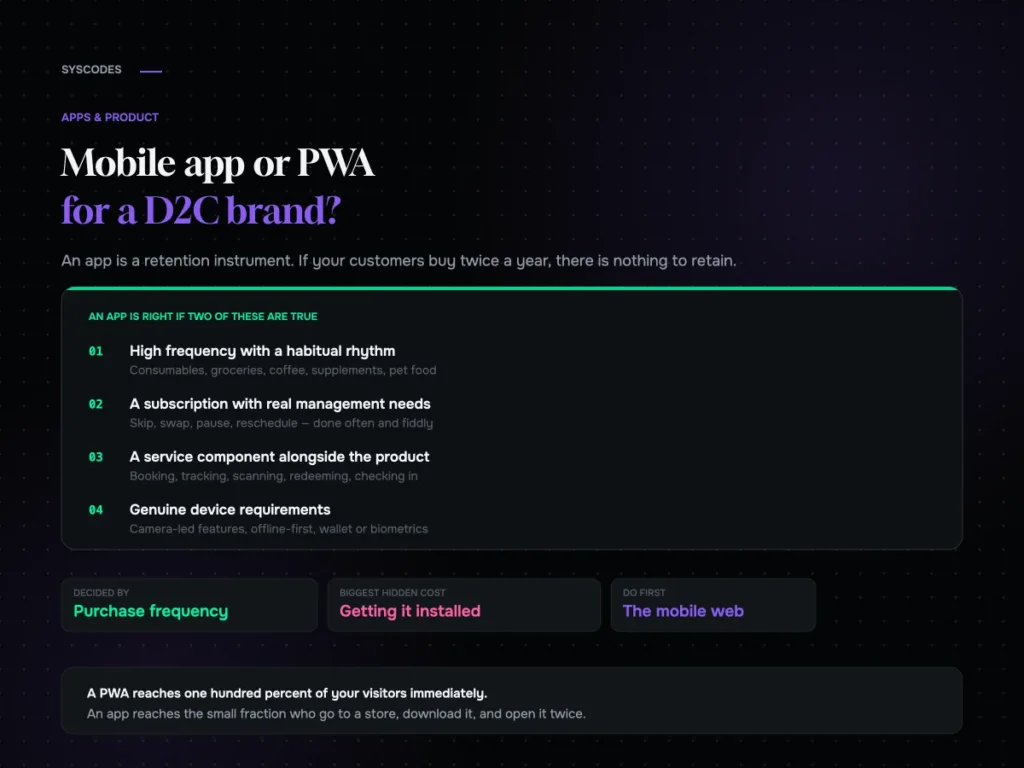
Mobile app or PWA for a D2C brand?

The purchase-frequency threshold that decides app versus web, what an app really costs, what a PWA gets you, the install funnel nobody models, and what to…
21 Aug 202612 min read
MVP scope discipline: what to cut and what to protect
Apps & Product

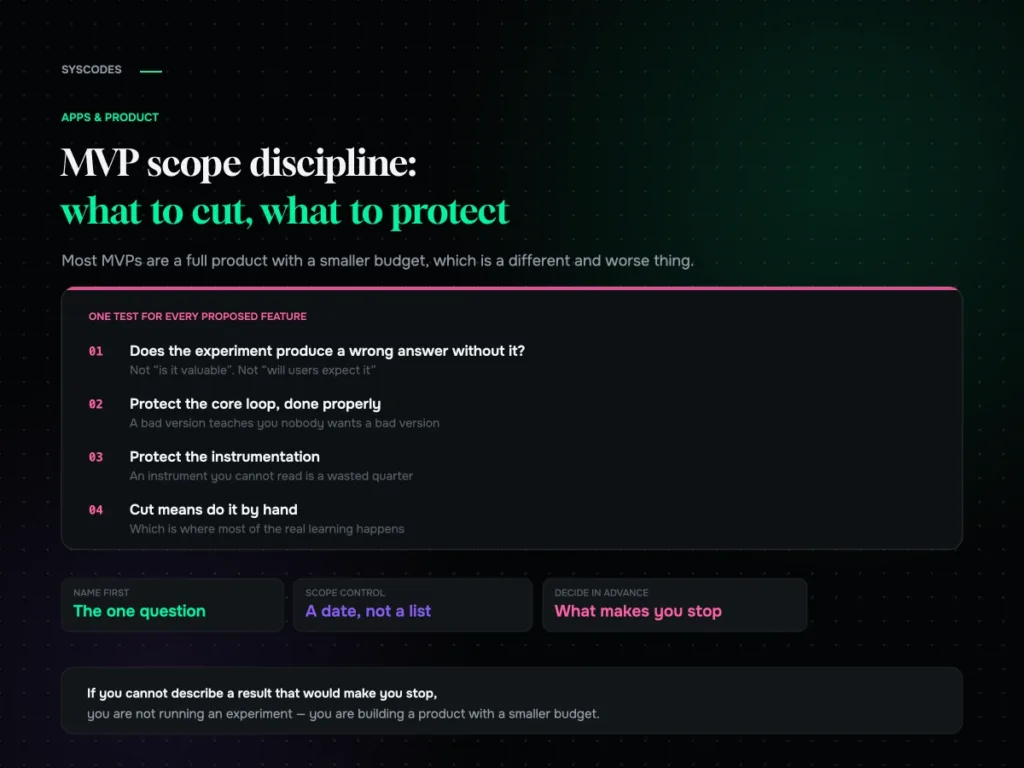
MVP scope discipline: what to cut and what to protect

The one question that decides MVP scope, four categories of feature, what to protect against false negatives, five ways to fake it before building, and how…
21 Aug 202614 min read
Commerce UI patterns that consistently convert
Design & Brand

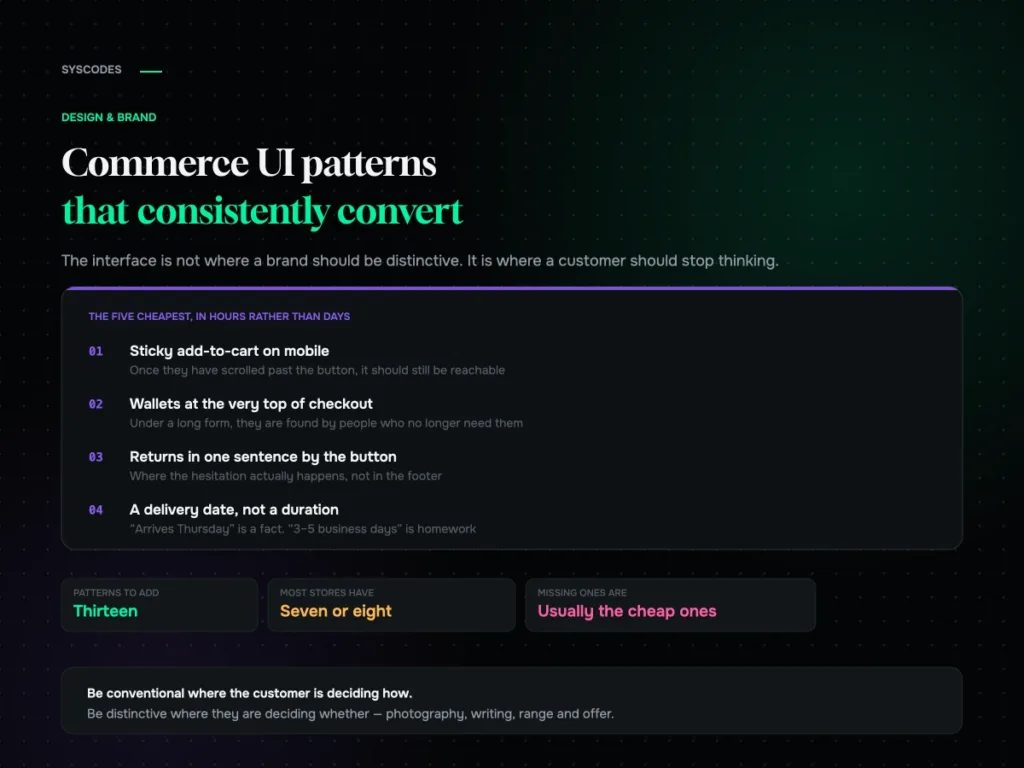
Commerce UI patterns that consistently convert

Thirteen commerce interface patterns grouped by funnel stage, the ones that present beautifully and cost orders, the states nobody designs, and how to add them without…
21 Aug 202613 min read
Rebranding without losing the recognition you have built
Design & Brand

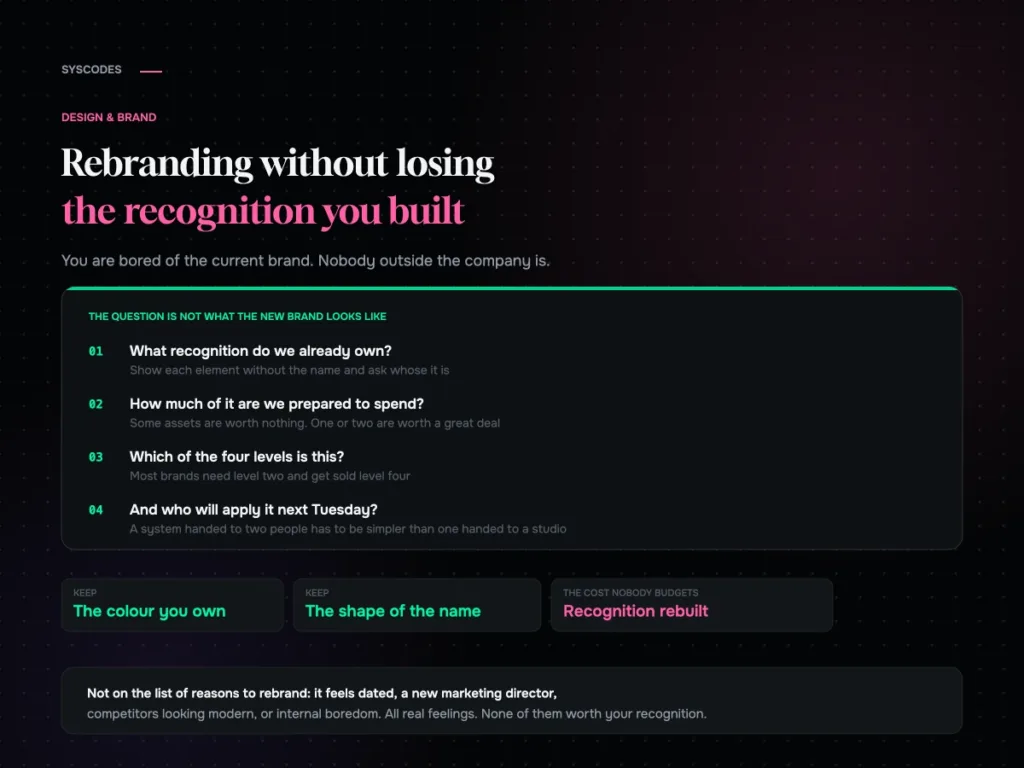
Rebranding without losing the recognition you have built

How to audit the recognition you already own, the four levels of rebrand and which one you probably need, what to keep, how to roll it…
21 Aug 202613 min read
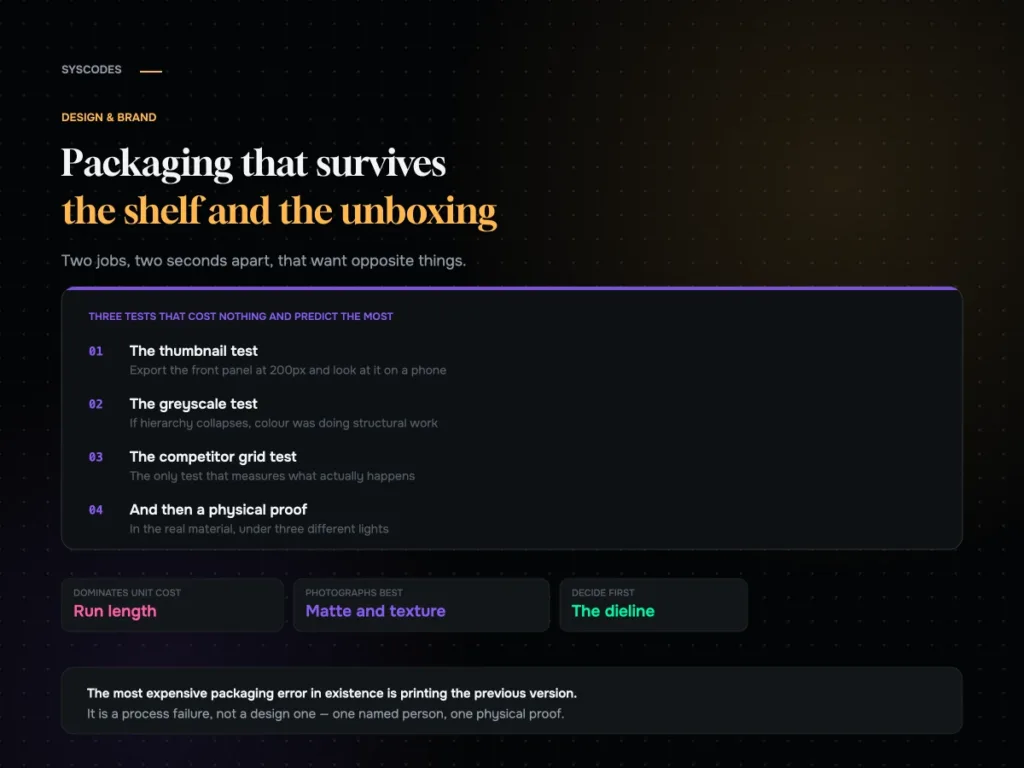
Packaging that survives both the shelf and the unboxing video
Design & Brand

Packaging that survives both the shelf and the unboxing video

How the shelf and the unboxing want opposite things, three free tests every design should pass, what actually drives unit cost, and a pre-press checklist.
21 Aug 202612 min read
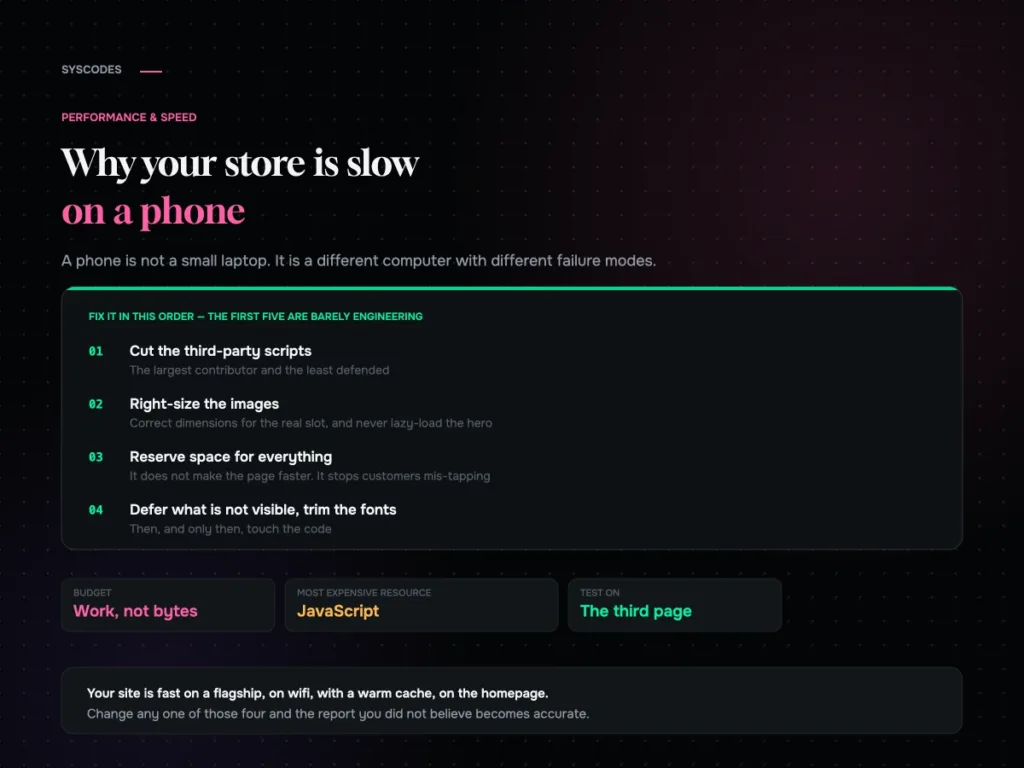
Why your store is slow on a phone and what actually fixes it
Performance & Speed

Why your store is slow on a phone, and what actually fixes it

Why a phone is a different runtime, why JavaScript is the expensive resource, the fix order that is mostly not engineering, and the five conditions for…
21 Aug 202613 min read
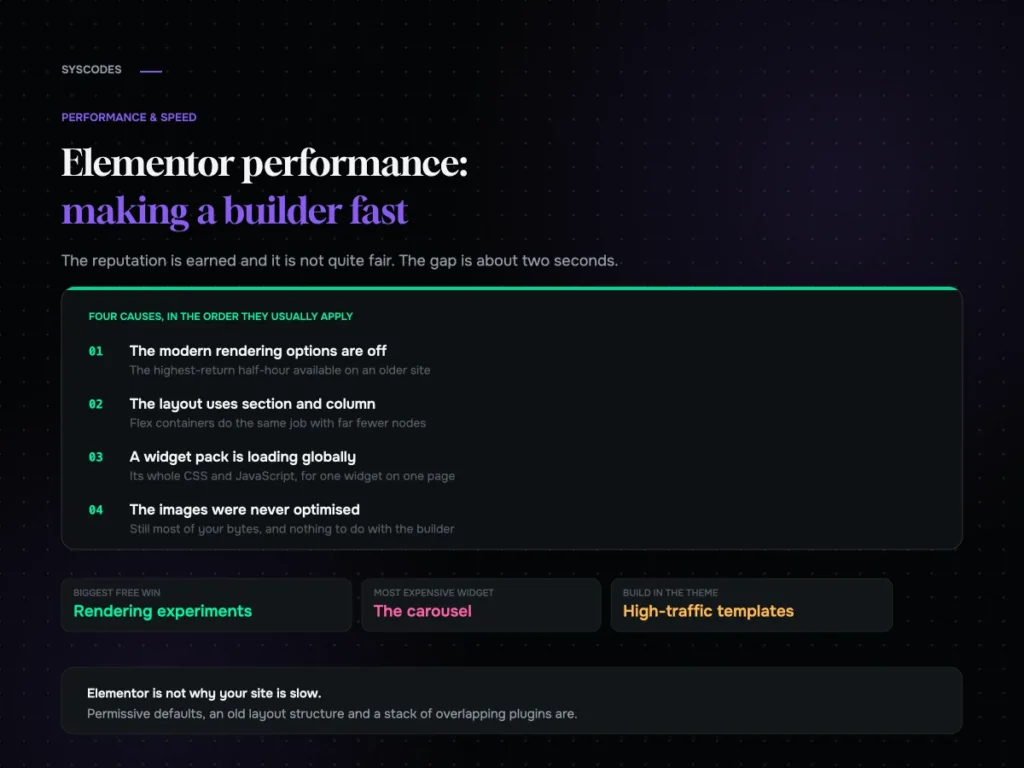
Elementor performance: making a page builder fast
Performance & Speed

Elementor performance: making a page builder fast

Where an Elementor site’s weight actually comes from, the rendering options most sites still have switched off, widget discipline, and a ten-setting checklist.
21 Aug 202613 min read
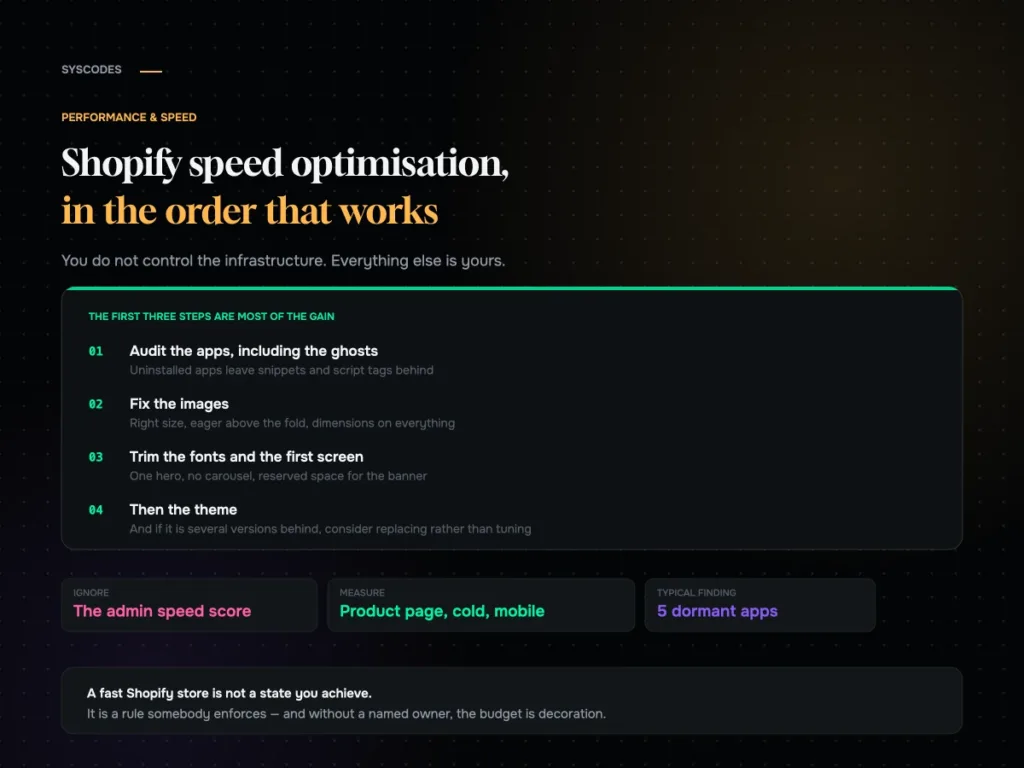
Shopify speed optimisation in the order that works
Performance & Speed

Shopify speed optimisation: what to do, in order

An ordered Shopify speed checklist: the app audit and the ghosts left by uninstalled apps, theme weight, images, fonts, the first screen, collections, cart behaviour and…

21 Aug 202613 min read
Question about your project? Tell us in 30 seconds — a senior lead replies.