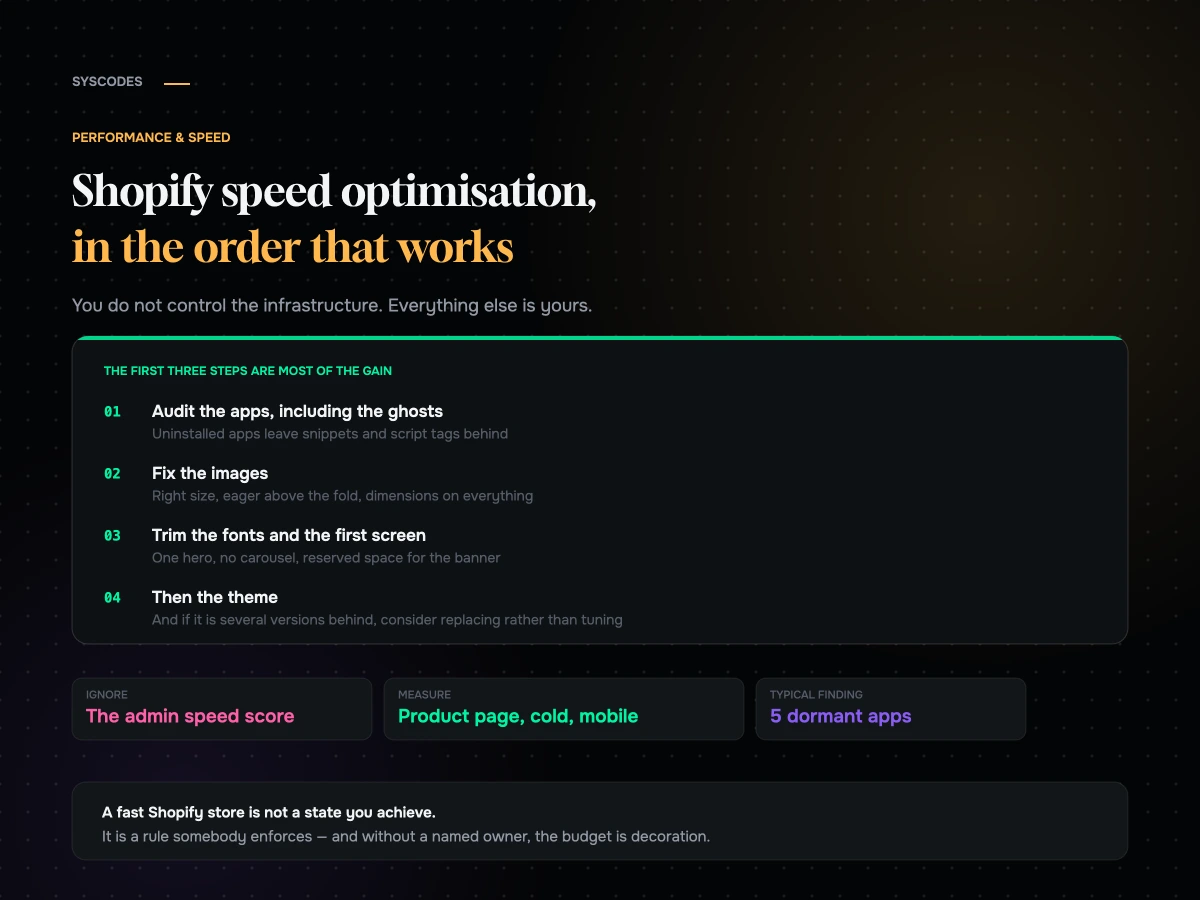
Shopify does a great deal of work to make stores fast, and then merchants spend two years undoing it, one reasonable decision at a time.
That is not a criticism of merchants. Every app installed, every pixel added, every section stacked onto the homepage was justified by somebody with a good reason. The problem is that nobody is holding a line, and performance is the classic case where each individual decision is defensible and the aggregate is not.
This is the order we work in on a Shopify store, from the changes that cost nothing to the ones that need a developer.
What you control, and what you do not
Worth establishing first, because it saves arguments.
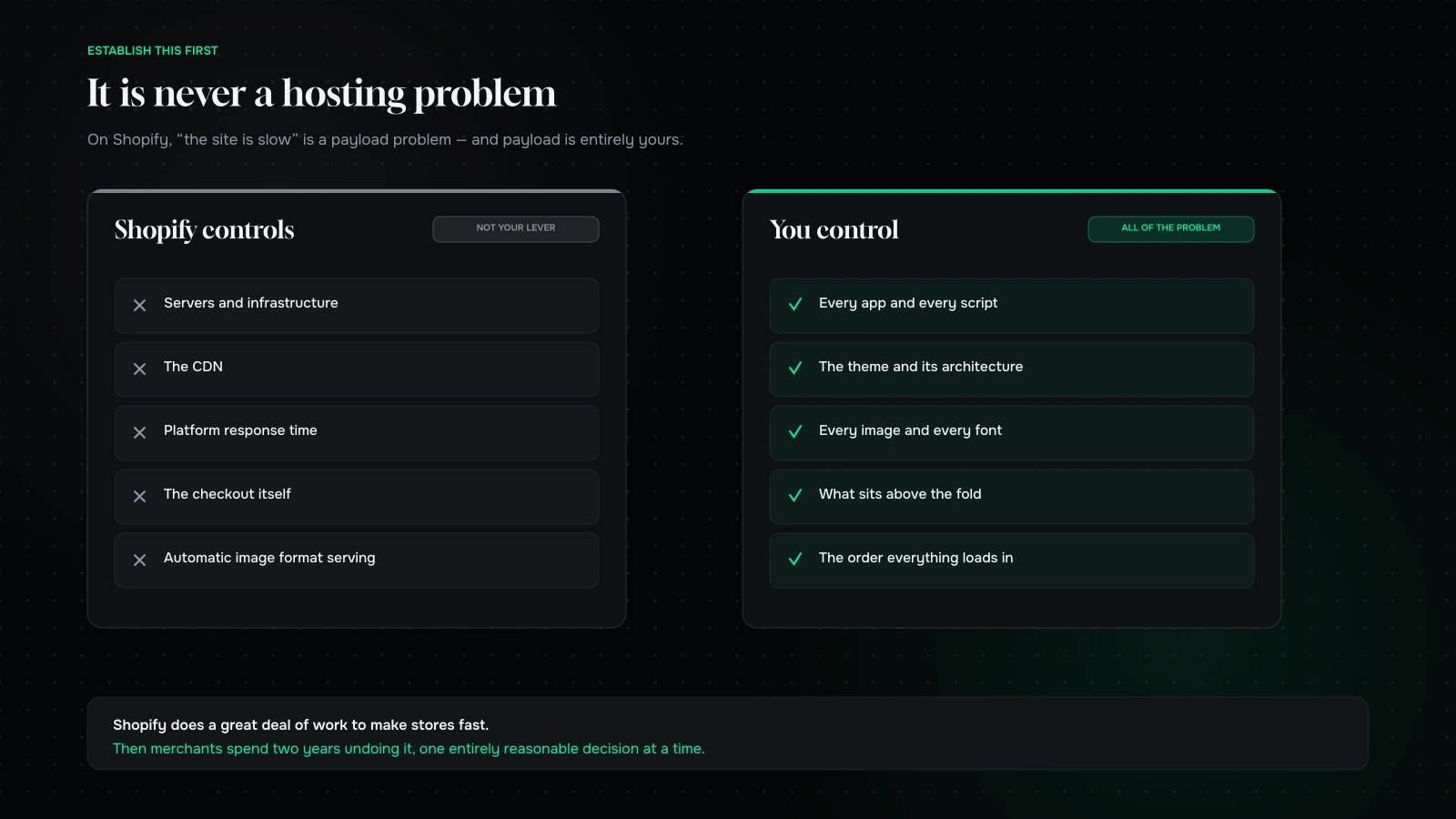
You do not control: the servers, the CDN, the underlying response time of the platform, or the checkout. Those are Shopify’s, they are generally good, and you cannot optimise them.
You do control: everything in your theme, every app, every script, every image, every font, and the order in which all of it loads. That is where all of your performance problem lives, and it is entirely yours.
The practical consequence: on Shopify, “the site is slow” is essentially never a hosting problem. It is a payload problem, and payload is a merchandising and governance question as much as a technical one.
Ignore the speed score in the admin
It is a rough directional signal, calculated from a sample, weighted in ways you cannot see, and it moves for reasons unrelated to anything you did.
Use it to notice a large change. Do not use it as a target, do not report it to anybody as a KPI, and never let it be the measure of a project. The numbers that matter are the field metrics on your product and checkout templates, split by device.
Step one: the app audit, including the ghosts
This is where the biggest wins are, on nearly every store.
List every installed app and note what each one injects into the storefront. Some load a script on every page whether or not the feature is used there.
Find the ghosts. This is the Shopify-specific problem worth knowing about: when an app is uninstalled, its code does not always leave. Snippets get added to your theme files, script tags get registered, and hard-coded includes survive the uninstall. We routinely find stores loading resources for two or three apps they stopped paying for a year ago.
To check, search your theme for references to apps you no longer use, and look at what the page actually requests on a product page with a clear cache. Anything you cannot account for is a ghost.
Restrict what remains to where it is needed. A great deal of app weight loads globally when it is only used on one template. Conditional loading is often a small change with a measurable result.
Prefer app blocks over hard-coded embeds where an app offers them, because they are easier to remove cleanly and behave better with theme updates.
Then cancel what nobody can defend. Every store carries at least two.
A worked example of the app audit
Because “audit your apps” is easy to say, here is what the exercise actually produces on a typical store.
A merchant we looked at had nineteen apps installed. Working through them produced four groups.
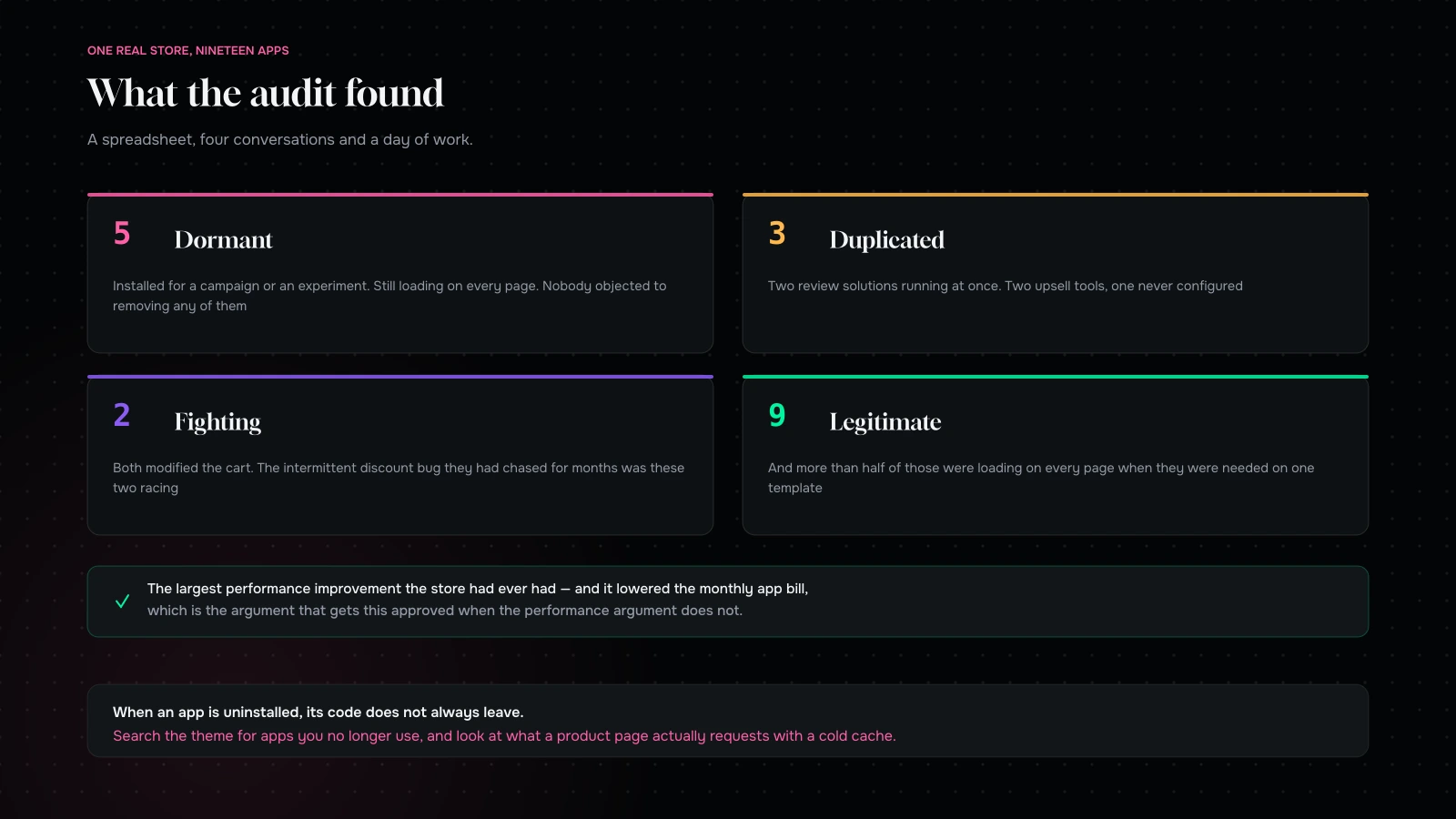
Five were dormant. Installed for a campaign, a season or an experiment, still loading on every page. Nobody objected to removing any of them, because nobody remembered installing them.
Three were duplicated. Two review solutions running simultaneously, because a previous agency installed one and the in-house team later installed another. Two upsell tools, one of which had never been configured. Removing the duplicates cost nothing and removed real weight.
Two were fighting. Both modified the cart, and the intermittent bug the team had been chasing for months — a discount occasionally not applying — turned out to be the two of them racing each other.
The rest were legitimate, and of those, more than half were loading on every page when they were only needed on one template.
The net result was not a heroic engineering effort. It was a spreadsheet, four conversations and a day of work, and it was the single largest performance improvement the store had ever had. It also reduced the monthly app bill by a meaningful amount, which is the argument that gets this work approved when the performance argument does not.
Run the same exercise on your own store and expect a similar shape. Nineteen is not unusual; we have seen thirty.
What to measure before you start
Four numbers, recorded before any change, so you can prove the work afterwards.
Product page transferred bytes, cold cache, mobile. The single most honest number about your store.
Number of requests, and number of distinct third-party domains. The second tells you about governance more than about performance.
Field metrics for the product and checkout templates, split by device.
Monthly app spend. Not a performance metric, and the one that makes the business case.
Take those on a Monday, do the work, and take them again a fortnight later. Four numbers on one page is a far better report than a score, and it is the version that gets you budget for the second phase.
Step two: the theme’s own weight
Themes vary enormously, and older ones vary worse.
Check how much of the theme’s JavaScript is loading on every page versus being loaded per-section. Modern themes are much better at this than themes from a few years ago, which is one of the strongest arguments for upgrading.
Look for jQuery, which some older themes still load for a handful of behaviours. Removing it is a genuine chunk of weight, and it is a developer job.
Count the sections on your homepage. Every one is markup, images and often its own script. Homepages accrete sections the way desks accrete paper, and nobody ever removes one.
Check for duplicated libraries. Two sliders, two lightboxes, two icon sets. Common on stores that have had several developers.
Step three: images, which are most of your bytes
The single most mechanical, most reliably valuable work on the list.
Serve the right size. Shopify will generate resized versions for you; the mistake is requesting an image far larger than the space it occupies, which is very common in hero sections and product grids.
Use modern formats. Shopify serves WebP automatically to browsers that support it, so the main thing you control is not uploading enormous originals and not overriding the image pipeline with hard-coded URLs.
Do not lazy-load the first image. Lazy-loading is right for everything below the fold and wrong for the main product image and the hero, where it delays exactly the thing being measured.
Set width and height on everything. This is a layout-shift fix rather than a weight fix, and it is the cheapest meaningful improvement in the entire article.
Audit your product photography pipeline. If your team uploads straight from a camera, you are shipping enormous files and relying entirely on automatic resizing to save you.
Step four: fonts
Small in bytes, large in perceived speed, because text is usually what the customer is waiting for.
Two families maximum, and only the weights you use. Most stores load five weights and use two.
Subset them if you can — a Latin subset is a fraction of the size of a full font.
Use a swap behaviour so text renders immediately in a fallback rather than staying invisible.
Preload the one font used above the fold, and nothing else.
And check what your apps are loading. Several inject their own font, which is how a store ends up with three typefaces it did not choose.
Step five: what happens above the fold
The first screen decides your paint time, so treat it as a budget.
One hero image, not a carousel. Sliders load several images to show one, and there is a great deal of evidence that visitors interact with the second slide very rarely.
No video above the fold unless it genuinely is the product. Video is heavy and it is almost always decoration.
Announcement bars with reserved space. These are one of the most common layout-shift causes on stores, because they inject after render and push everything down.
Defer anything not visible. Reviews, recommendations, recently viewed, chat. All of it can wait until the customer has scrolled or interacted.
Step six: collection pages
The template that most often gets ignored and frequently carries the most weight.
Load a sensible number of products, and paginate or lazy-load the rest. A collection page rendering a hundred and fifty products with images is a large page by any measure.
Reserve space for the grid so it does not reflow as images arrive.
Watch client-side filtering. Filtering a large collection in the browser is a main-thread cost, and it is a common cause of a page that feels sluggish to interact with even though it loaded quickly.
Step seven: the cart and variant behaviour
The interactions people actually perform, and therefore where responsiveness is judged.
Variant switching should be instant. If selecting a size causes a visible delay, that is main-thread work, and it is usually an app or an over-complicated theme script.
The cart drawer should open immediately. If it fetches before it opens, it will feel slow on a poor connection. Open first, populate second.
Quantity changes should not reload the page. Some older themes still do this.
These are small things and they are what the customer experiences as “the site is slow”, far more than the load time of a page they only see once.
Step eight: tags and pixels
Every marketing tool wants a script on every page. Some of them want several.
Consolidate through one tag manager if you use one, and audit what is inside it — tag managers accumulate worse than themes do.
Load analytics asynchronously, always.
Question anything that runs on every page but is only used for one campaign.
Prefer server-side integrations where your stack supports them, which moves the work off the customer’s phone entirely.
What a theme upgrade actually buys you
If your theme is several years old, a modern one is frequently a bigger performance improvement than anything else on this list.
The gains come from architecture rather than from tuning: JavaScript loaded per section rather than globally, better native image handling, no legacy library dependency, and app extension points that keep app code contained.
The cost is real — a theme change is a rebuild of your storefront’s customisations, not a settings change, and everything bespoke has to be re-implemented. Treat it as a project with a scope, not an afternoon. But if you are three or more major versions behind, do the arithmetic properly, because the accumulated difference is usually larger than a year of optimisation work.
Checkout, which is not yours
You cannot optimise Shopify’s checkout, and that is mostly good news — it is fast and heavily tested.
What you can do is stop making it slower. Checkout extensions, scripts and third-party integrations added there have a cost, and because checkout is the highest-value page in the store, that cost is expensive per millisecond. Audit what you have added and be ruthless.
Keeping it fast
Every store we have made fast has become slow again unless somebody was accountable.
Write a budget. A maximum page weight and a maximum number of third-party requests for the product template. Numbers, agreed, visible.
Measure before and after every app install. Five minutes, on the product page, on mobile.
Review the app list quarterly and remove what nobody defends.
Give one person the authority to say no. Without that, the budget is decoration.
None of this is technical, and it is the difference between a performance project that lasts and one that has to be repeated in eighteen months.
Where the time usually goes, in practice
If you want a rough sense of what an audit finds before you run one, this is the shape it usually takes on a store that has been trading for a few years.
| What it is | Share of the problem | Cost to fix |
|---|---|---|
| Apps and third-party scripts | Largest single block | A spreadsheet and four conversations |
| Images, sized and formatted badly | Second largest | Mechanical, a day or two |
| Theme weight and legacy libraries | Third | A developer, or a theme upgrade |
| Fonts | Small in bytes, visible in feel | An hour |
| Above-the-fold decisions | Varies enormously | A merchandising conversation |
| Server-side Liquid work | Usually small | A developer, and only worth it after the rest |
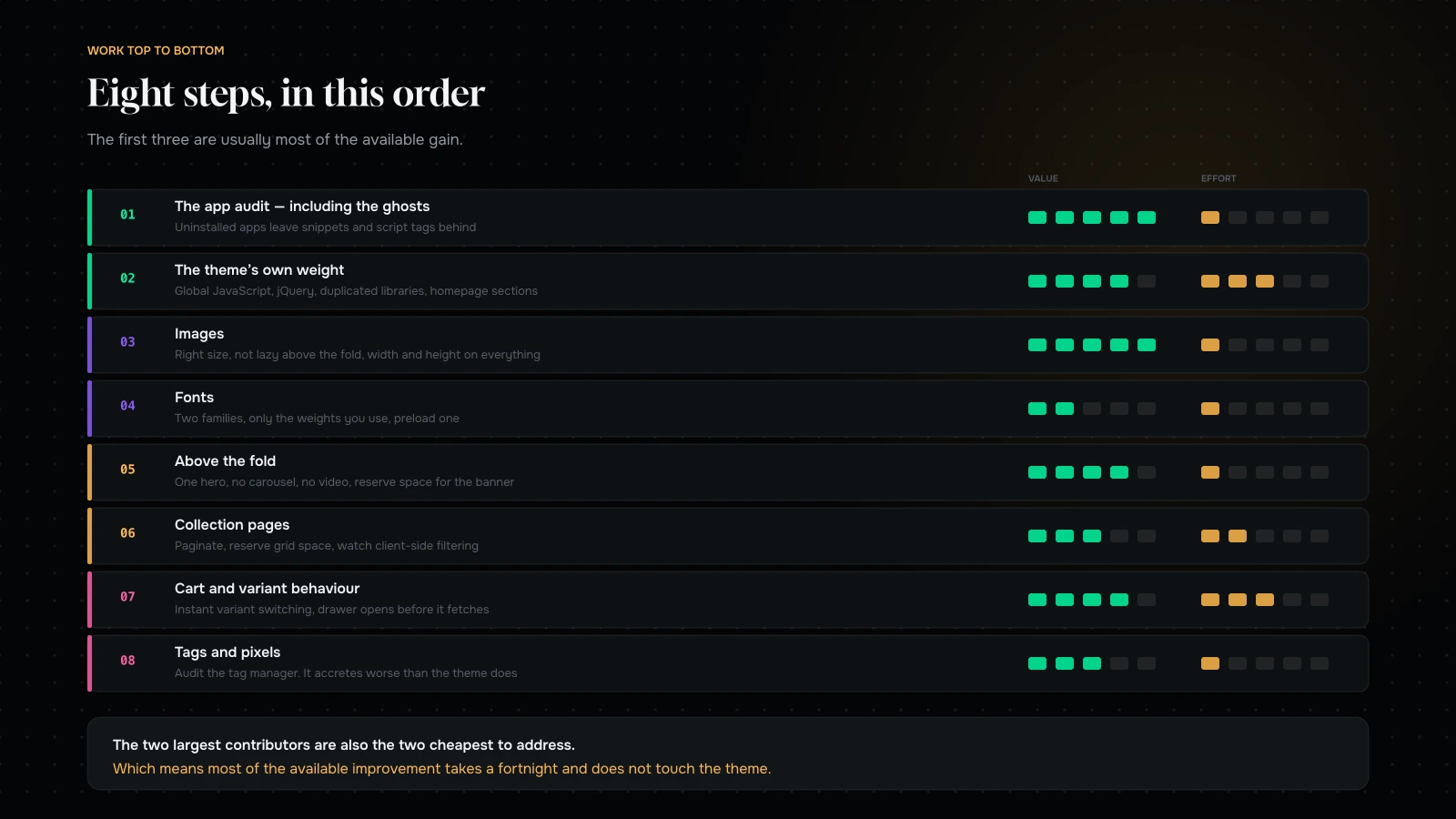
The interesting column is the third one. The two largest contributors are also the two cheapest to address, which is why we start there and why a store can usually get most of the available improvement in a fortnight without touching the theme.
The corollary is uncomfortable for anyone selling a performance retainer: the first two weeks are worth more than the next two months, and an honest engagement says so.
The Liquid side, for developers
Most of this article is merchandising and governance, because that is where most of the weight is. There is a technical layer underneath it, and if you have a developer, these are the things worth their time.
Reduce work per request in Liquid. Loops over large collections, nested lookups, and metafield reads inside loops all add server-side time. Shopify caches a great deal, but a template doing heavy work is a template with a slower response, and it is invisible in a browser profiler because it happens before anything arrives.
Use the section rendering approach for dynamic content. Fetching a rendered section is usually cheaper than fetching JSON and rebuilding markup in JavaScript, and it keeps the logic in one place.
Avoid re-implementing what the platform gives you. Custom image resizing, custom currency formatting and hand-rolled cart logic are all common and all slower than the built-in equivalents.
Load scripts as modules, deferred, per section. The pattern modern themes use. Retrofitting it into an old theme is real work and it is the single biggest architectural improvement available short of replacing the theme.
Be careful with metafield-heavy product pages. They are enormously useful and they are also a common cause of a slow product template on catalogues with rich structured data.
None of this matters if you are carrying nineteen apps. Do the audit first, then hand the developer a store worth optimising.
Two mistakes we see repeatedly
Optimising the homepage. It is the page that gets tested, the page that gets shown to stakeholders, and rarely the page that makes the money. Most stores receive the majority of their entry traffic on product pages from ads and search. Optimise the templates that carry revenue.
Treating it as a one-off project. A speed project delivers a number, everybody celebrates, and eighteen months later the store is exactly where it started because seven apps were installed in the meantime. Performance is not a project with an end date; it is a constraint that somebody enforces. If nobody owns the budget, book the next project now, because it is coming.
What it comes down to
On Shopify you do not control the infrastructure, which means the entire performance question is payload — apps, images, fonts, theme weight and what you put above the fold.
Audit the apps first and look for ghosts left behind by uninstalled ones. Fix the images and reserve space for everything. Trim the fonts. Keep the first screen light. Then look at the theme, and if it is several years old, consider replacing it rather than tuning it.
And then hold a line, because a fast Shopify store is not a state you achieve. It is a rule somebody enforces.
Want to know what your store is actually loading? Send us your URL through the contact form and we will come back with the app inventory, the ghosts we can see, your product page weight against a sensible budget, and the three changes we would make first. Most of what we find costs nothing to fix.
You can also read Core Web Vitals for commerce, or why your store is slow on mobile.
Send us your store and we will tell you exactly what it is loading.
You will get back the app inventory, the ghosts left behind by apps you have already uninstalled, your product page weight against a sensible budget, and the three changes we would make first.
If the answer is that your theme is several versions behind and tuning it is not worth the money, we will say that too — and give you the arithmetic for replacing it instead.
More on Performance & Speed
Making stores fast, and keeping them that way.

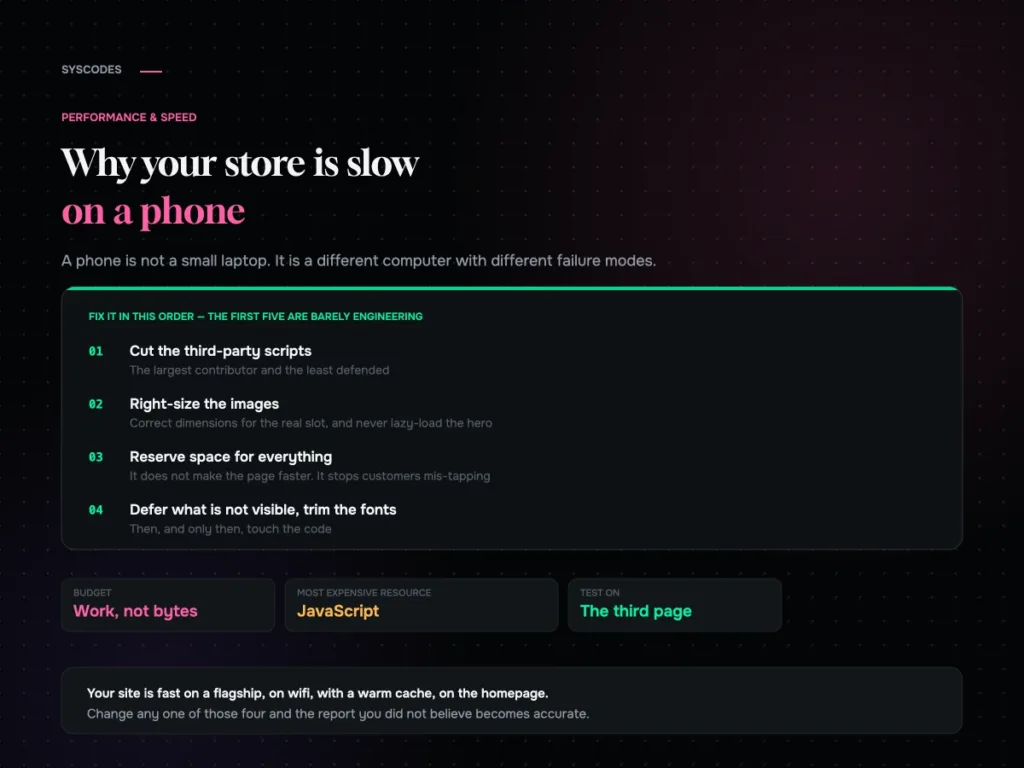
Why your store is slow on a phone, and what actually fixes it
Why a phone is a different runtime, why JavaScript is the expensive resource, the fix order that is mostly not engineering, and the five conditions for…
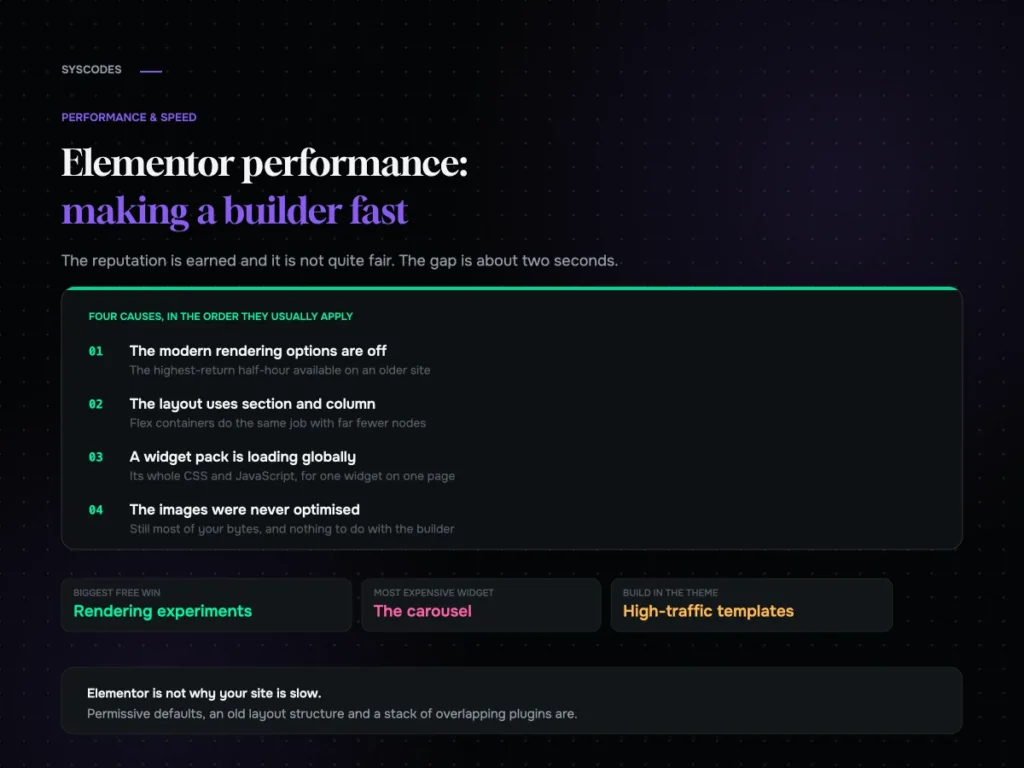
Elementor performance: making a page builder fast
Where an Elementor site’s weight actually comes from, the rendering options most sites still have switched off, widget discipline, and a ten-setting checklist.
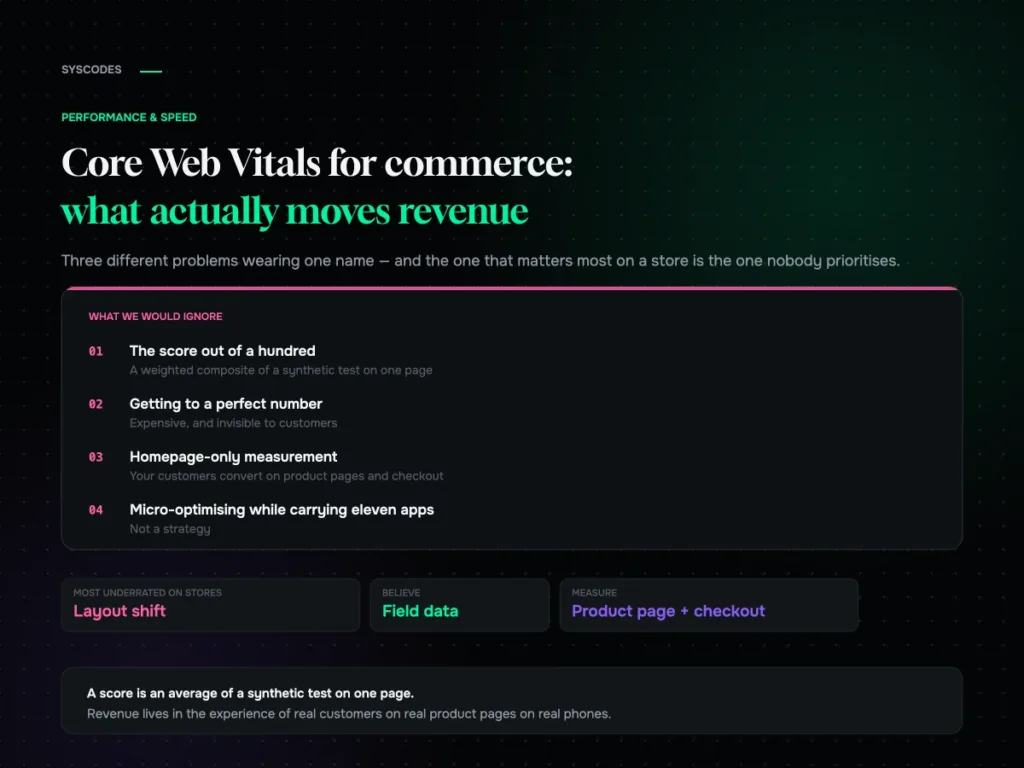
Core Web Vitals for commerce: what actually moves revenue
What LCP, INP and CLS actually measure on a store, which one moves money, why field data beats lab scores, and five fixes ranked by what…
