Audit your store before you decide to replatform
Roughly half the brands who ask us to quote a replatform should not replatform. Eight areas, three days, and one of three verdicts — two of which are considerably cheaper than the one everybody assumed.
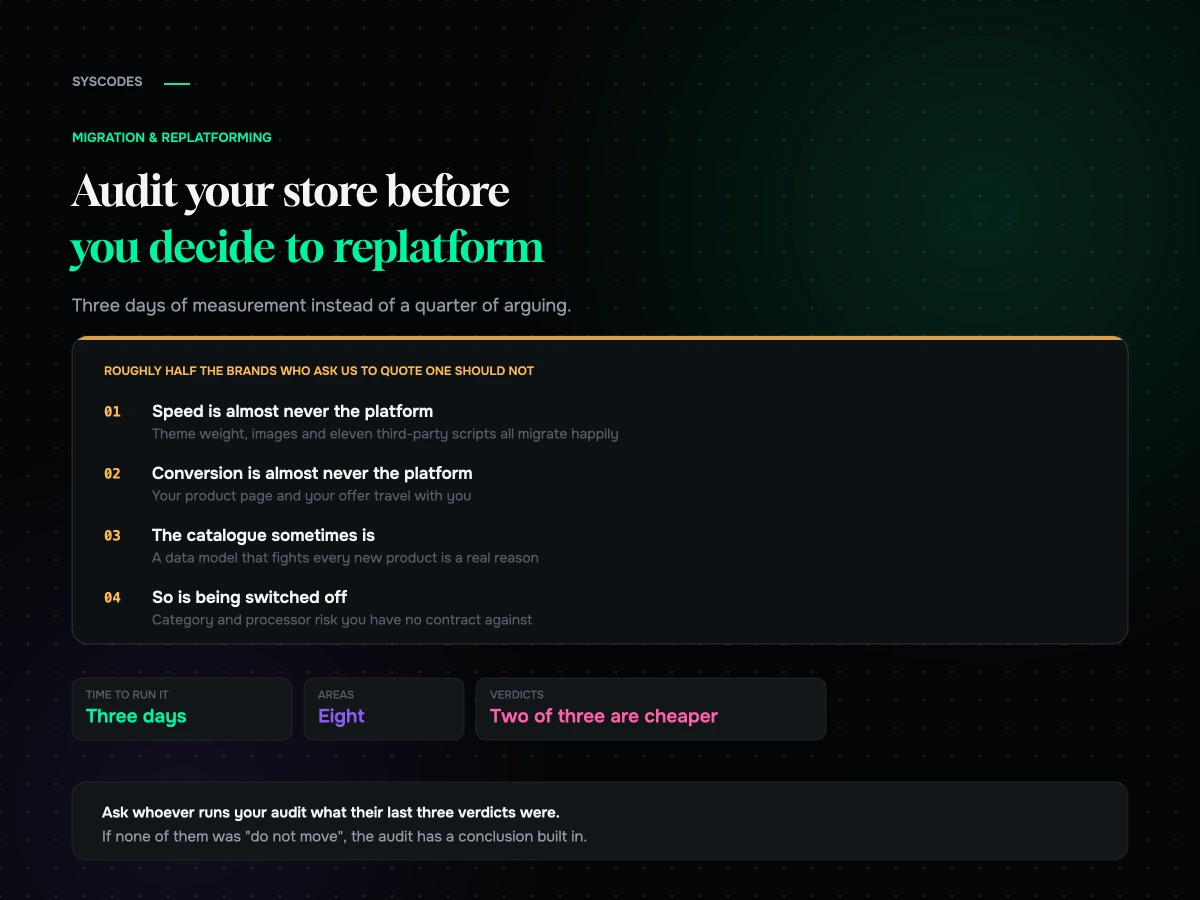
Roughly half the brands who ask us to quote a replatform should not replatform.
That is not a sales position, it is an observation from doing this for a living. The store is genuinely underperforming, the frustration is genuinely real, and the platform is genuinely not the cause. What is actually wrong is a theme four developers have extended over six years, twenty-eight apps of which nine do nothing, a checkout nobody has looked at since 2023, and product data that has never been tidied. Move all of that somewhere else and you get the same store on a different bill.
So before you spend a quarter’s budget, spend a week on this instead. It is eight areas, it takes a competent person about three days, and it produces one of three verdicts — one of which is “yes, move”, and two of which are cheaper.
The question you are actually asking
“Should we replatform” is almost never the real question. The real question is one of these:
- Our site is slow and we cannot fix it.
- Our conversion rate is worse than it should be.
- We cannot ship changes without a developer, and that has become the bottleneck.
- Our costs have crept up and nobody can explain them.
- Something breaks every month and we are tired.
- Our catalogue does not fit the system and we are working around it daily.
Only two of those six are usually platform problems. The audit exists to work out which one you have.

Step one: write down the three things migrating will fix
Before any measurement, do the cheapest exercise in this entire post.
Write down, in one sentence each, the three things you believe moving platform will fix. Then, next to each, write whether it is a property of the platform or a property of your instance of it.
“WooCommerce is slow” is a claim about the platform. “Our WooCommerce is slow” is a claim about your theme, your hosting, your images and your plugins — and it will be equally true of your Shopify if you carry the same habits across.
If all three sentences turn out to be about your instance, you can stop reading. The rest of this is confirmation.
Step two: the speed audit
Speed is the most common reason given and the least often a platform problem. Three measurements settle it.
Server response time on an uncached page. Load a product page with cache bypassed and look at time to first byte. If it is comfortably under half a second, your server is not the problem. If it is over a second, you have a hosting or a database problem — both of which are fixable where you are, usually for a fraction of a migration.
Total page weight and request count. Open the network panel on a product page. Count requests and total transferred bytes. A store shipping four megabytes and 140 requests is not suffering from its platform.
Third-party scripts. Count how many domains your product page talks to that are not yours. Chat widget, reviews, two analytics tools, a heatmap, an upsell app, a currency switcher, three pixels. Every one of them is on the critical path and every one of them migrates with you unless you decide otherwise.
The verdict test: disable your third-party scripts and re-measure. If the page transforms, your platform is fine and your tag manager is the problem. We wrote up what actually moves the needle on commerce performance if that turns out to be your answer.
Step three: the app and plugin audit
List every app or plugin. For each one, three columns: what it does, what it costs per month, and when it was last actually used.
Then find these four categories, which appear on nearly every store we audit:
Dormant. Installed for a campaign in 2023, still loading scripts on every page. Duplicated. Two apps doing the same job because two different people solved the same problem. Fighting. Two apps both modifying the cart, or the price display, or the checkout. This is where mystery bugs live. Load-bearing but unowned. Something critical that nobody chose and nobody maintains.
Add up the monthly cost. Brands are routinely surprised by this number, and it is frequently the actual source of the “our costs crept up” complaint — nothing to do with the platform at all.
Step four: the checkout audit
Checkout is where a conversion problem usually lives, and it is the one part of the store most brands have never systematically examined.
Run through it on a real phone, on mobile data, as a new customer. Count the fields. Count the taps. Note every moment you have to think. Then do it again as a returning customer, then again with a discount code, then again with an item that is out of stock in one variant.
You are looking for: unnecessary required fields, no express wallet options, address entry that fights autofill, shipping costs appearing late, form validation that clears the form, and any step that exists for your convenience rather than the customer’s.
Almost none of what you find will be a platform limitation. We go through this in detail in the checkout audit we run before touching anything, and it is the single highest-return exercise in this list.
Step five: the catalogue and data model audit
This is the one that genuinely does sometimes indicate a platform problem, so measure it honestly.
Ask: how many of your products need behaviour the platform does not natively express? Configurable options beyond the model’s limits, pricing calculated from dimensions, bundles with their own inventory logic, customer-specific pricing, lead times that vary by option.
If the answer is “a handful, and we have a workaround”, that is normal and not a reason to move. If the answer is “most of the catalogue, and every new product is a fight”, that is a genuine structural mismatch and it is one of the few things a migration actually solves.
Also audit data quality while you are here. Missing descriptions, inconsistent naming, duplicate SKUs, images at wildly different dimensions, no structured attributes. Note it honestly — because it does not clean itself during an import, and you will pay to move the mess.
Step six: the content and SEO audit
Three questions.
How much organic traffic do you have, and where does it land? If a meaningful share of your revenue arrives through search, a migration is a risk event and needs to be treated as one. If you have almost none, the risk is much lower and the calculus changes.
How large is your content estate? Count pages, posts, and anything else with a URL. This number is the single biggest driver of migration cost that never appears in a brief.
What technical SEO debt exists today? Duplicate URLs from filters, thin category pages, missing metadata, no structured data. Worth knowing, because migrating carries it across unless you deliberately fix it — and the migration is a legitimate moment to fix it.
Step seven: the operations audit
Who can change what, without a developer?
Have your merchandiser try to do three routine things: change a homepage banner, add a product with a new option type, and set up a promotion. Time it. Note where they get stuck and whether the blocker is the platform or the way your theme was built.
This matters because “we cannot ship changes” is one of the two complaints that genuinely can be a platform problem — and equally often it is a theme built with everything hard-coded, which is a rebuild rather than a replatform.
Step eight: the cost and risk audit
Add up what you actually pay today: platform subscription, transaction percentage, apps, hosting, maintenance retainer, and the internal time nobody counts.
Then write down your risk exposure. Who can switch you off? Your platform, your processor, your host? What is your recovery plan if any of them does? For most brands the answer is comfortable. For brands in regulated categories it is not, and that alone can justify a move — as we explain in selling restricted products online.
The audit on one page
If you want to hand this to somebody on Monday, this is the whole thing.
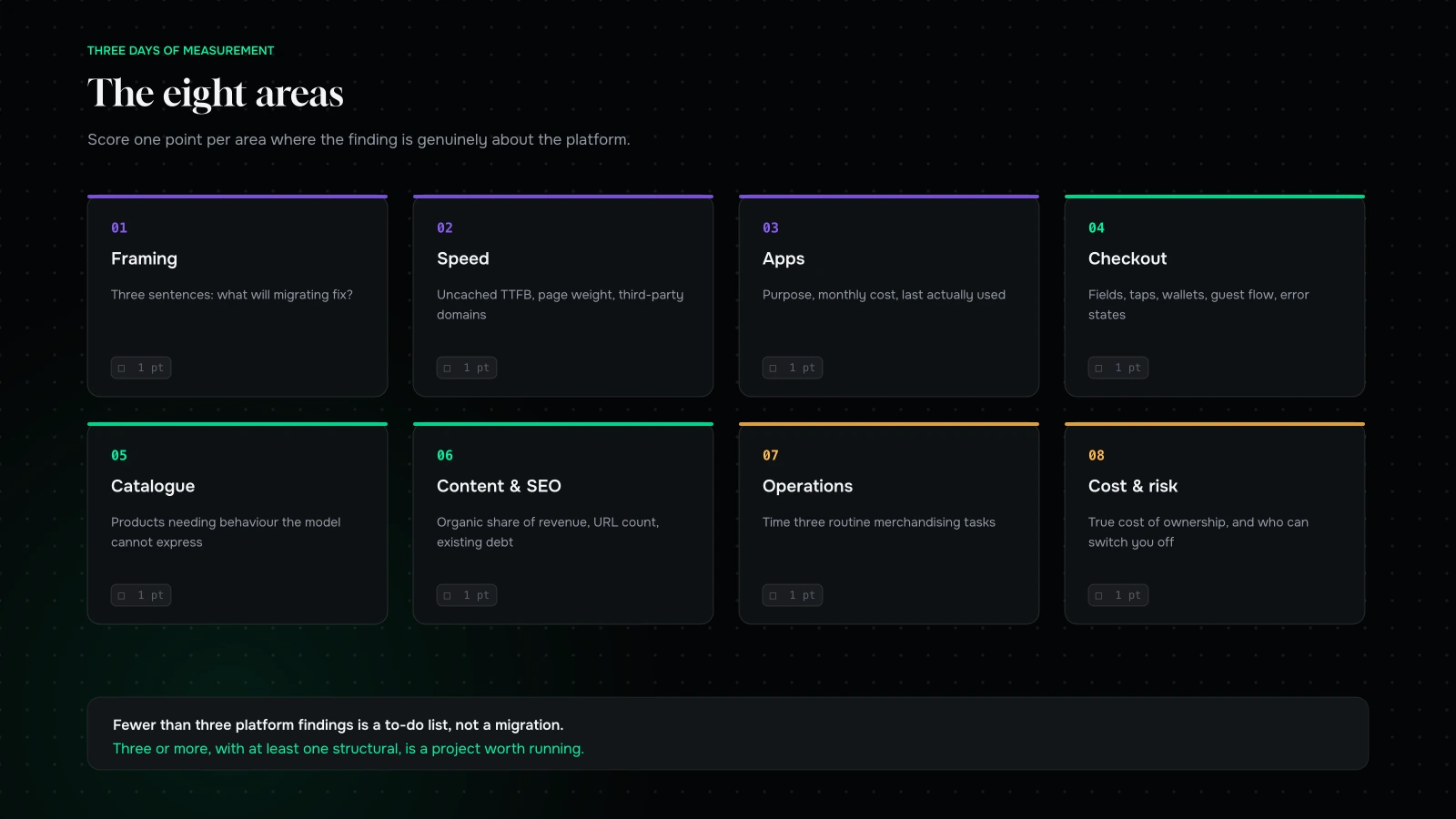
| # | Area | Measure | Points to the platform when |
|---|---|---|---|
| 1 | Framing | Three sentences: what will migrating fix? | All three describe the platform, not your instance |
| 2 | Speed | Uncached TTFB, page weight, request count, third-party domains | TTFB is high with a lean page and few scripts |
| 3 | Apps | Every app: purpose, monthly cost, last used | Core behaviour only exists as an app, and always will |
| 4 | Checkout | Field count, taps, wallets, guest flow, error states | The limitation is one you are not permitted to change |
| 5 | Catalogue | Products needing behaviour the model cannot express | Most of the catalogue, not a handful |
| 6 | Content & SEO | Organic share of revenue, URL count, technical debt | Content tooling is structurally in your way |
| 7 | Operations | Time three routine merchandising tasks | The blocker is the admin, not the theme |
| 8 | Cost & risk | Total cost of ownership, and who can switch you off | The percentage, or the termination risk, is material |
Score one point per area where the finding is genuinely about the platform. Three or more, with at least one structural, is a migration. Fewer than that is a to-do list.
The four things most audits miss
Having done a lot of these, these are the findings that never appear in a self-assessment and change the verdict most often.
Nobody has measured the site the way customers experience it. Almost every internal speed assessment is run on office broadband on a desktop with a warm cache. Measure on a mid-range Android phone on a throttled connection, on a page you have not visited before. The number is usually twice as bad and it is the number that matters.
The revenue is not where people think it is. Ask five people which pages make the money and you will get five answers. Pull it from analytics instead. Frequently a third of revenue arrives through two or three pages nobody has touched in a year, and those pages should be the entire focus regardless of platform.
There is at least one thing running that nobody knows about. A tracking script from a lapsed agency, a redirect rule from a campaign, a cron job populating a table. Look at the actual output of the page rather than at the admin.
The team has quietly built workarounds. Ask your customer service and fulfilment people what they do manually every week. Those answers are the truest description of what your system does not do, and they never make it into a platform discussion because to the people doing them they are just “the job”. Some of those workarounds are the strongest argument for a migration you will find; others are a fifty-line fix.
Scoring it, and the three verdicts

Now put the eight areas together. Count how many produced a finding that is genuinely a platform property rather than a property of your store.
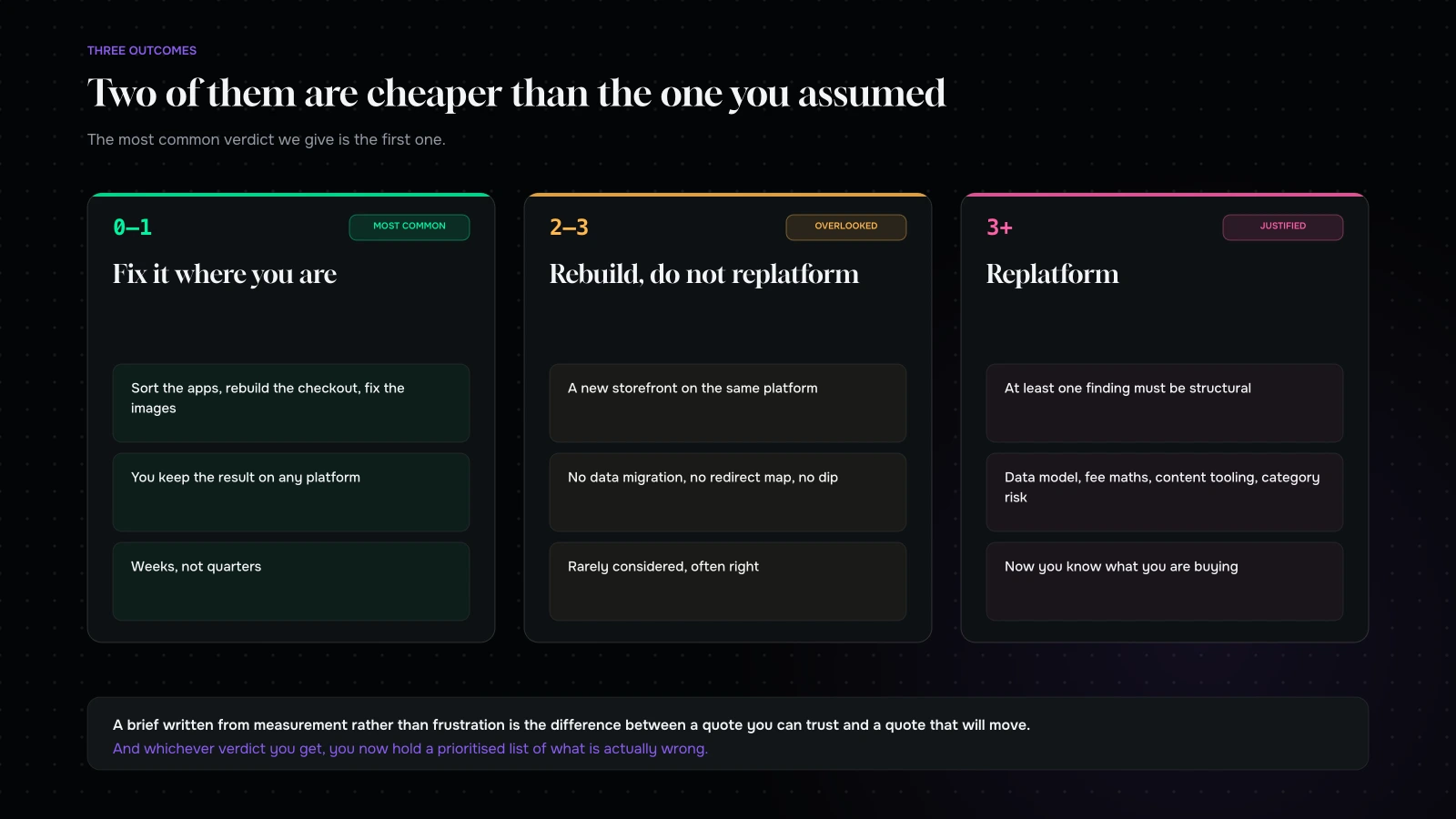
Zero or one: fix it where you are. Your problems are real and they are yours. Sort the apps, rebuild the checkout, fix the images, retire the dead pages. It is faster, it is cheaper, and you keep the improvement whichever platform you are on in three years. This is the most common verdict we give.
Two or three, but they are all about the theme and the build: rebuild, do not replatform. A new storefront on the same platform gets you most of what you want at a fraction of the risk. No data migration, no redirect map, no traffic dip, no team retraining. Brands rarely consider this and it is frequently the right answer.
Three or more, and at least one is structural — the data model, the fee arithmetic at your scale, content tooling, or category risk: replatform. Now the project is justified, and you go into it knowing exactly which constraint you are buying your way out of, which makes every subsequent scoping decision easier.
How long it takes, and who should do it
Three days of a competent person’s time, and it does not have to be a developer for six of the eight areas.
Day one is measurement: speed, apps, cost. All of it is observable from outside the business, which is why an outsider can do it faster than you can — nobody has to be persuaded that a finding is real.
Day two is experience: the checkout run-throughs, the merchandising tasks, the conversations with customer service and fulfilment about what they do by hand. This is the day that changes minds, because it produces specific stories rather than metrics.
Day three is the catalogue and content: how much of your product data fights the model, how large the URL estate is, and what technical debt is already there.
Then half a day to write it up. Not a deck — a list, with a number next to each item and a verdict at the top. The finished artefact should be short enough that the person holding the budget reads all of it.
One warning about who does it. An agency that only builds on one platform will find that your problem is best solved by that platform, and will do so sincerely. Ask whoever runs your audit what the last three verdicts they gave were. If none of them was “do not move”, the audit has a conclusion built in.
What to do with the result
Whichever verdict you get, the audit has produced something more useful than a decision. It has produced a prioritised list of what is actually wrong with your store, written down, with numbers attached.
If the verdict is “fix it here”, that list is your roadmap for the next two quarters. If the verdict is “replatform”, that list is your brief — and a brief written from measurement rather than frustration is the difference between a quote you can trust and a quote that will move. It is also, not coincidentally, the input that makes the cost conversation meaningful instead of a range.
The one thing not to do is to skip the audit because you have already decided. We have watched brands spend nine months and a great deal of money relocating a conversion problem, and every one of them would have found it in three days.
What it comes down to
Platform is rarely the problem. Theme debt, app sprawl and checkout neglect are, and all three are cheaper to fix than to escape.
Run the eight areas. Count how many findings are genuinely about the platform rather than about your instance of it. If the answer is fewer than three, you have just saved yourself a quarter — and you have a to-do list that will improve the store you already have.
Want a second opinion on the result? Send us your store URL and your app list through the contact form and we will run the audit and tell you which of the three verdicts we would give. If it is “fix it where you are”, we will tell you what we would fix first and in what order — and we are happy for that to be the whole engagement.
You can also read what replatforming actually costs or why a redesign usually lowers conversion.
We will run the audit and tell you if the answer is “do not move”.
Send us your store URL and your app list. We will come back with the eight findings, a score, and which of the three verdicts we would give — with the reasoning attached, not just the conclusion.
If the verdict is fix it where you are, we will tell you what we would fix first and in what order. That list is worth having whether or not you ever work with us.
More on Migration & Replatforming
Moving platforms, without moving your problems with you.

WordPress to Shopify: what transfers and what you rebuild
What genuinely transfers from WordPress to Shopify, what gets rebuilt, why the blog is the part everyone underestimates, and the split architecture most brands are never…
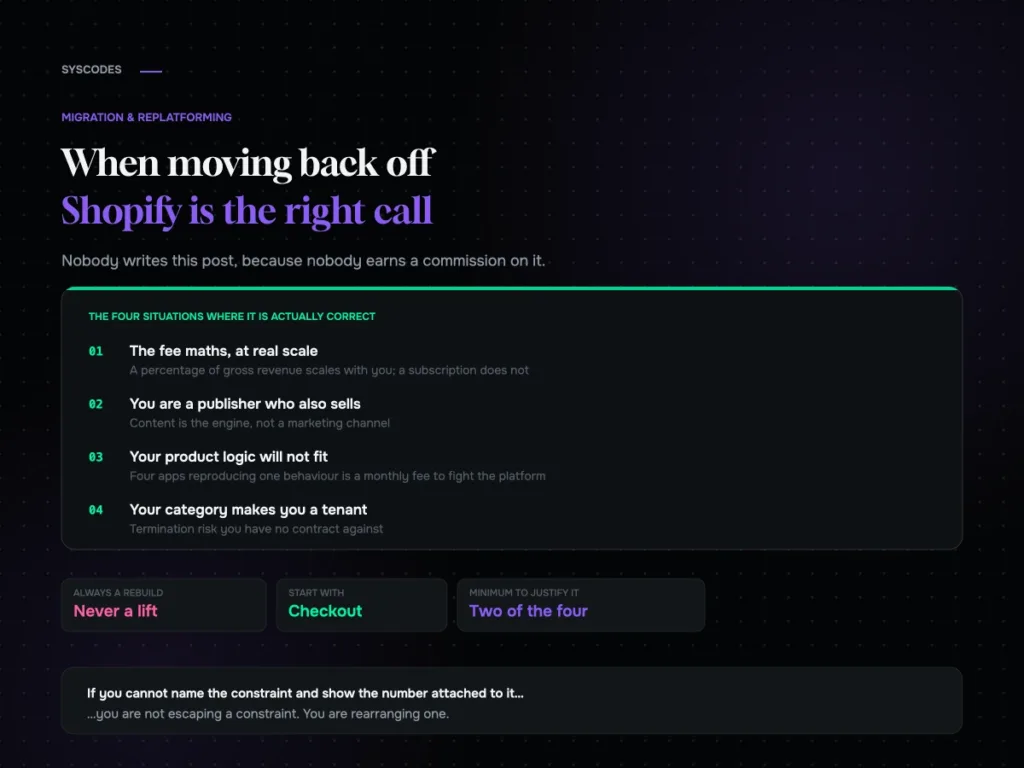
Shopify to WooCommerce: when moving back is the right call
The honest case for moving from Shopify to WooCommerce: fee maths at scale, content-led businesses, product models that will not fit, and category risk — plus…

Migrating without losing your search traffic
How to build a redirect map from reality rather than your sitemap, test it in a way that catches the failure no script can see, and…
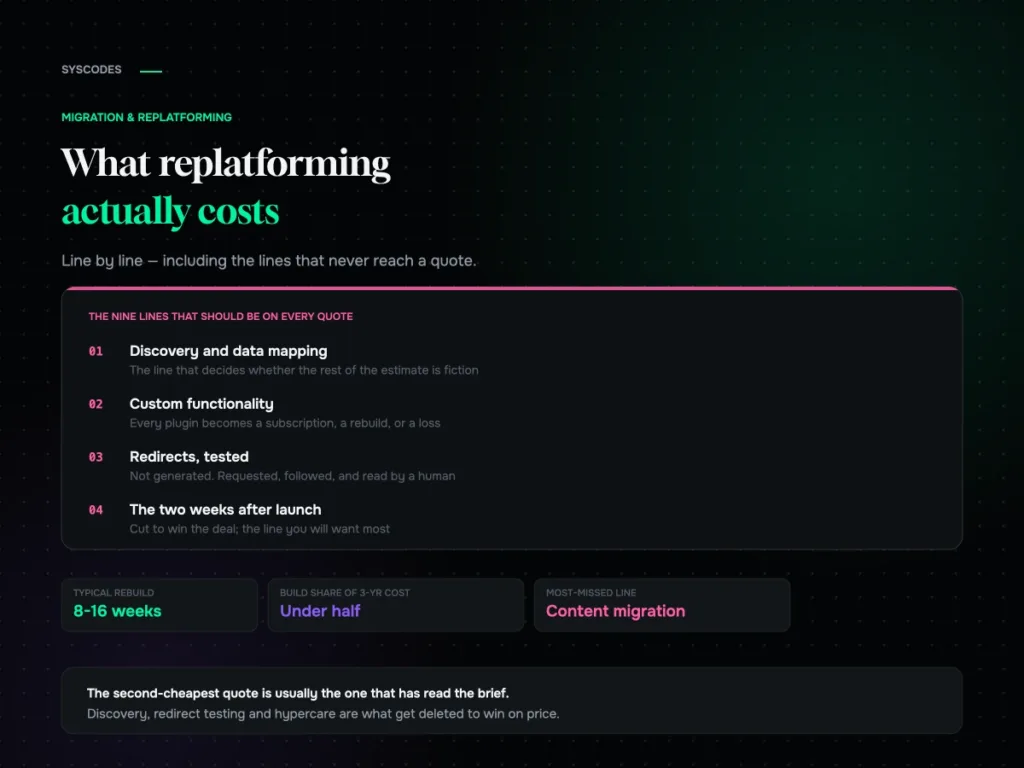
What replatforming actually costs: a line-by-line breakdown
Why replatforming quotes never agree, the nine lines that should be on every one of them, what actually moves the number, and the three-year cost most…
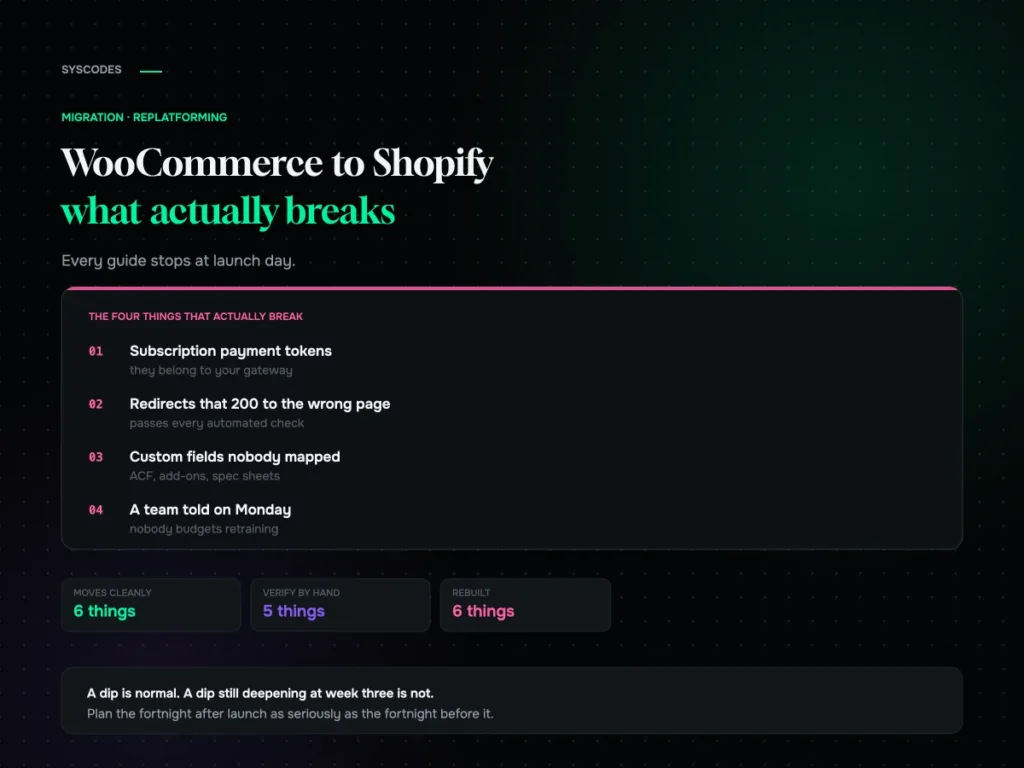
WooCommerce to Shopify migration: what actually breaks
What genuinely does not transfer, how to test a redirect map properly, what a replatform actually costs, and what the traffic dip should look like in…