When moving back off Shopify is the right call
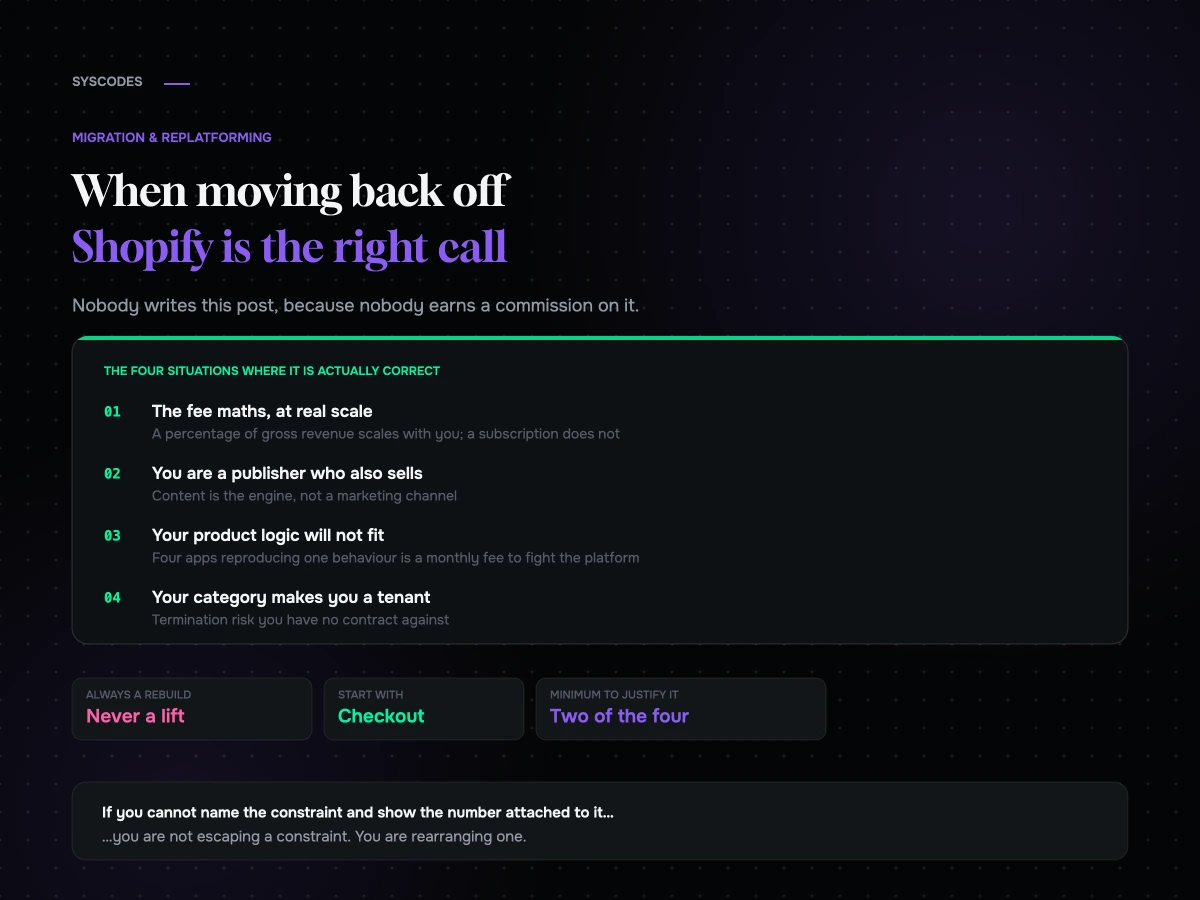
Almost nobody writes this post, because almost nobody earns a commission on it. Four situations where leaving is genuinely correct, the far more common ones where it is not, and what actually breaks going this direction.
There are a hundred guides on moving from WooCommerce to Shopify and almost none on going the other way. That is not because nobody does it. It is because most of the people writing migration content earn a commission on one of those two outcomes, and it is not this one.
We build on both. We have moved stores to Shopify and been glad about it, and we have moved stores off Shopify and been glad about that too. What follows is the honest version: the four situations where moving back is genuinely the right call, the far more common situations where people think it is and it is not, and what actually breaks when you go in this direction.
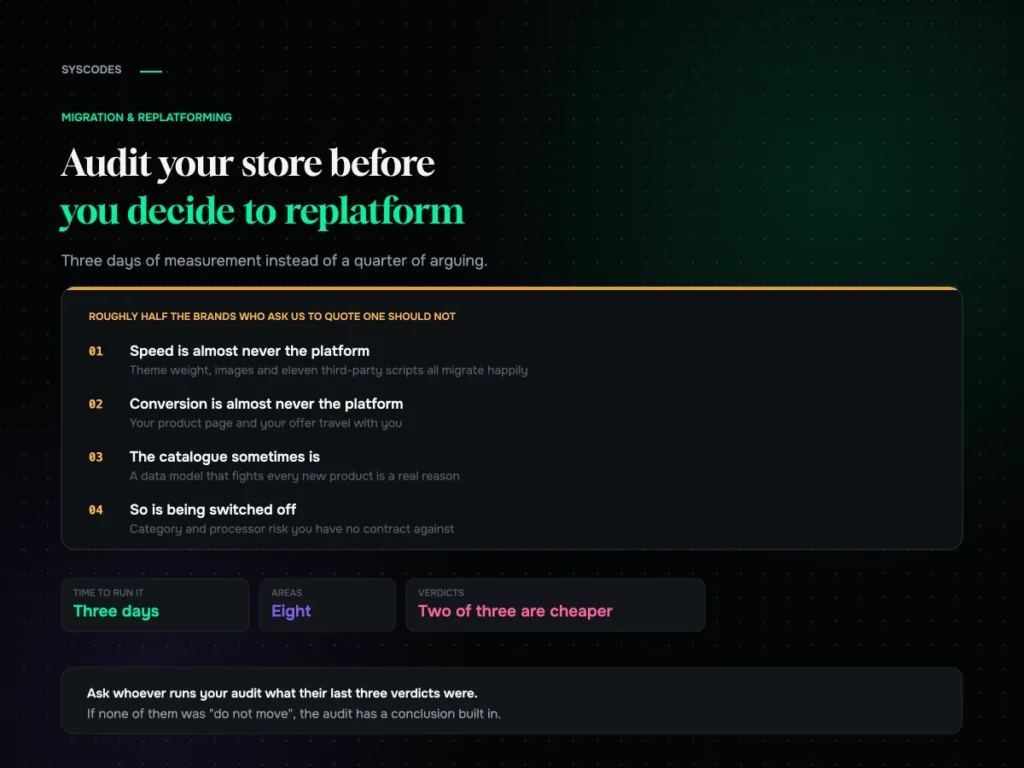
If you are early in this decision, audit your store before you commit to any move. Half the brands that ask us this question do not have a platform problem at all.
Why this direction feels like a step backwards, and mostly isn’t
Shopify has done an extraordinary job of making itself the default answer. That is mostly deserved — for most D2C brands under a few million in revenue it is the right platform, and we will say so.
But defaults have a gravity that has nothing to do with fit. Moving off Shopify feels like a downgrade in a way that moving to it never does, and that feeling stops brands from running the arithmetic. The arithmetic sometimes says something different.
The four situations below are the ones where, in our experience, it says something different often enough to be worth checking.
Situation one: the transaction fee maths at scale
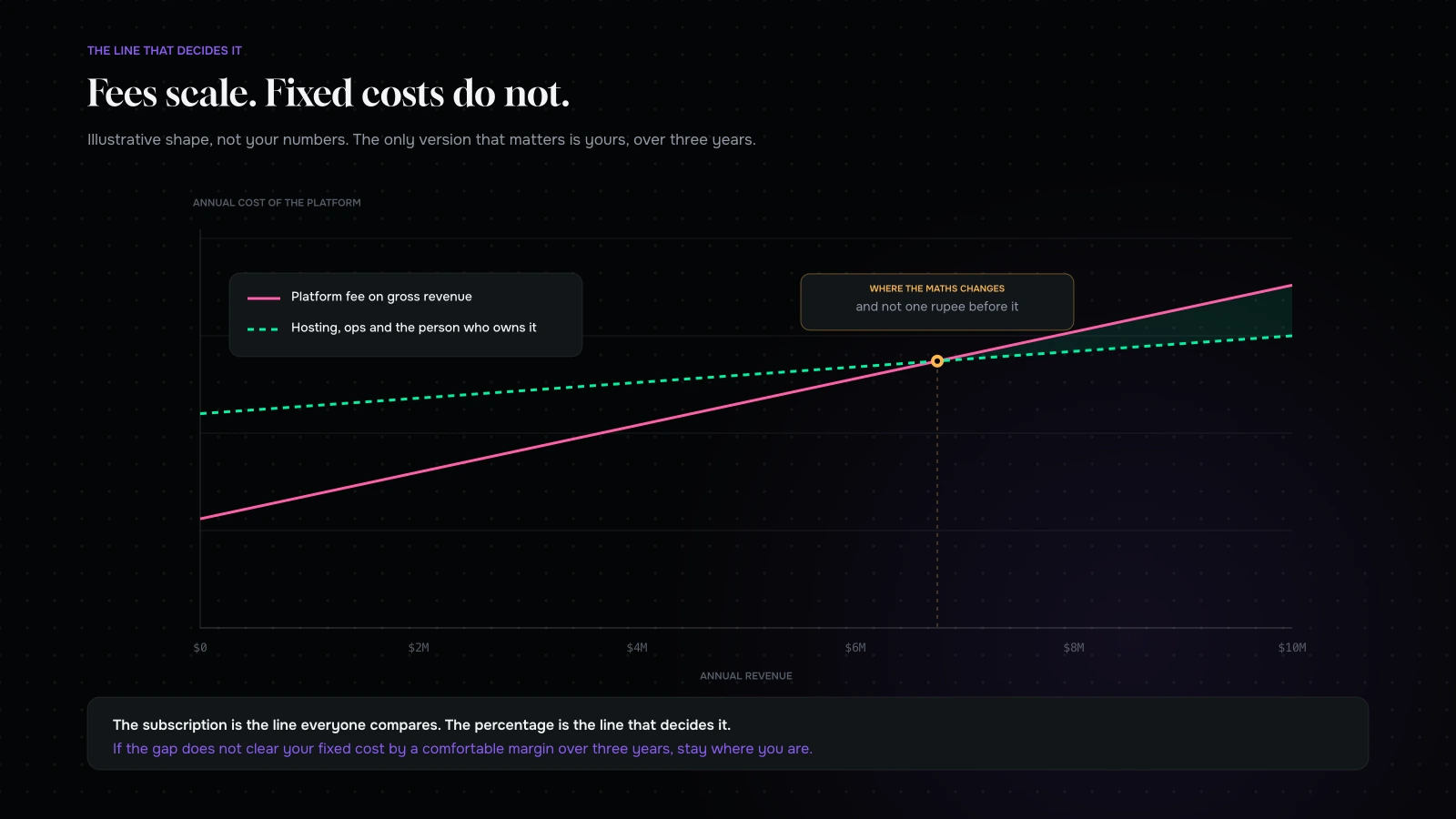
Shopify’s commercial model includes a fee on every order when you use a payment provider other than Shopify Payments. The rate steps down as you move up the plans, but it does not go away, and it applies to gross merchandise value rather than to profit.
That is irrelevant at $300k of revenue and material at $5M. The line to watch is not the monthly subscription — everybody looks at that — it is the percentage, because the percentage scales with you and the subscription does not.
Two caveats, because this is the argument most often made badly.
First, Shopify Payments is available in most of the markets our clients trade in, and if you can use it the additional fee disappears. The maths only bites if you cannot — which happens more often than people expect, whether because of your category, your entity structure, or the markets you sell into.
Second, self-hosting is not free. You are trading a percentage for a fixed cost: hosting, a CDN, managed WordPress or a good DevOps arrangement, PCI scope, security patching, and somebody whose job it is to care when the site falls over on a Sunday. That fixed cost is real and it is not small. The crossover point is where your percentage exceeds your fixed cost plus the risk you have just taken on — and it is further up the revenue curve than the people selling you WooCommerce hosting would like you to believe.
Run the number honestly with three years of projected revenue. If it does not clear the fixed cost by a comfortable margin, stay where you are.
Situation two: you are a publisher who also sells things
This is the strongest case and the least discussed.
Some brands are, structurally, content businesses with a shop attached. A supplement brand with four hundred articles ranking for ingredient questions. A crafts business whose tutorials bring the traffic that the products convert. A technical manufacturer whose real asset is documentation.
Shopify’s content tooling is adequate for a news blog and awkward for anything beyond it. Custom post types, structured taxonomies, complex internal linking, editorial workflows, content that needs to relate to products in ways the platform did not anticipate — all of that is WordPress’s home ground and Shopify’s uphill climb.
The usual workaround is to run WordPress alongside Shopify on a subdomain or subdirectory. It works. It is also two systems, two design implementations, two sets of updates and a permanent seam down the middle of your site. If content is the engine rather than a marketing channel, having the engine bolted to the side of the vehicle is a strange way to build it.
Situation three: your product logic does not fit the box
Shopify’s data model is deliberately opinionated. Products have a limited number of option dimensions and a ceiling on variants, and everything above that either becomes an app or becomes a compromise.
For most catalogues this is a feature — the constraint is why Shopify is fast and reliable. For a few catalogues it is a wall.
The ones that hit it: made-to-order goods where price is calculated from dimensions, configurable products with more axes of choice than the model allows, B2B pricing where the price depends on who is logged in and how much they buy, rental or booking logic, and catalogues where a “product” is really a specification. We ran into exactly this shape of problem building a handloom catalogue, where each piece had properties that no standard variant model wanted to hold.
If you are already running four apps to reproduce one behaviour, and each app has its own admin, its own subscription and its own opinion about your checkout, you are paying a monthly fee to fight the platform. That is a legitimate reason to leave.
Situation four: your category makes you a tenant, not an owner
Some categories live at the discretion of their platform and their processor. Supplements, botanicals, CBD-adjacent products, vape, firearms accessories, adult, and a long tail of things that are perfectly legal and permanently unwelcome.
If you sell in one of these, your store can be reviewed and closed by somebody you have never spoken to, and appeals are slow and opaque. We have built and rescued enough stores in regulated categories to be blunt about it: a self-hosted store with your own merchant account is not a magic shield, because processors can still drop you. But it removes one entire class of single point of failure, and it means the party who can switch you off is one you have a contract with.
For a brand doing real revenue in a category like this, that is not an ideological preference. It is business continuity.
Where people think the answer is WooCommerce and it isn’t
Now the other half, which is longer, because most enquiries we get about moving back fall in here.
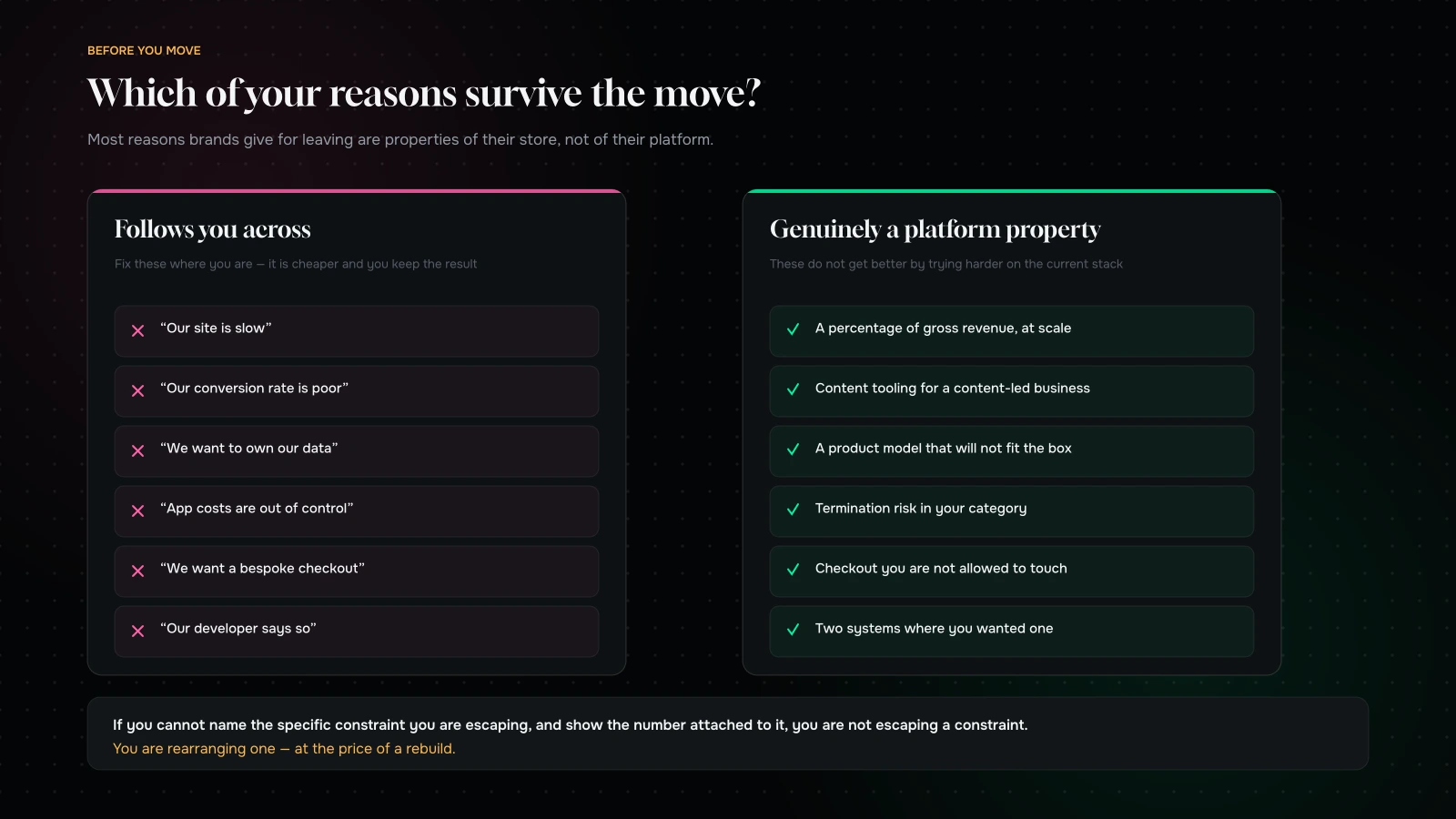
“Our site is slow.” Almost always theme weight, unoptimised images, and eleven apps injecting scripts into every page. All three migrate happily. WooCommerce will not be faster by default; on bad hosting it will be considerably slower.
“Our conversion rate is poor.” Checkout changes, and Shopify’s checkout is genuinely good. Your product page, your offer, your shipping proposition and your pricing are yours and they come with you. Moving platform to fix conversion is the most expensive way to not fix conversion.
“We want to own our data.” You already do. You can export it. This is usually a proxy for a control anxiety that is worth naming honestly rather than solving with a six-figure project.
“App subscriptions are out of control.” A real cost, and worth auditing — but the WooCommerce equivalent is plugin licences plus the developer time to keep them compatible with each other. The bill changes shape rather than disappearing.
“We want a bespoke checkout.” Check what your platform actually allows at your plan level before assuming it does not. And be honest about whether your bespoke checkout will convert better than one that has been optimised across a very large number of stores. Usually it will not.
“Our developer says so.” Sometimes right. Also the single most common reason a brand ends up on a platform their own team cannot operate.
What you gain, and what you take on
Going this direction is a trade, and both sides of it are substantial.
| You gain | You take on |
|---|---|
| No transaction fee on gross revenue | Hosting, CDN, backups, uptime |
| Full control of checkout and data model | PCI scope and security patching |
| First-class content and taxonomy tooling | Plugin compatibility management |
| No platform review that can close your store | Your own performance engineering |
| Ability to model unusual products properly | A maintenance relationship, forever |
| One system instead of a stitched pair | Responsibility when it breaks at 2am |
The right-hand column is not a reason not to do it. It is a reason to know who is doing it. Every brand that has regretted this move regretted it because nobody owned the right-hand column after the agency left.
What actually breaks going this direction
The specifics are different from the well-documented direction, and they surprise people.
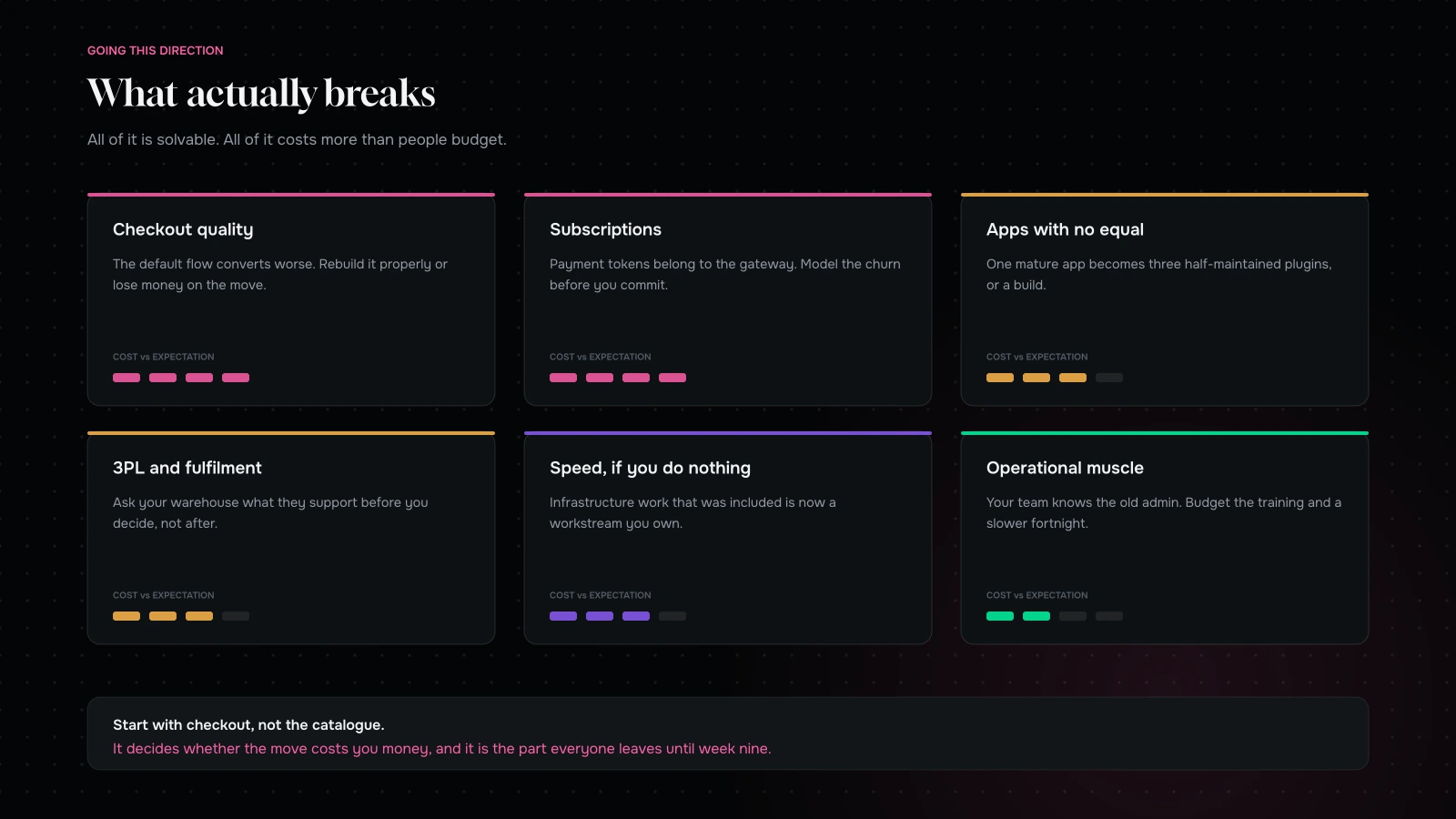
Checkout quality is a step down unless you invest. Shopify’s checkout is the product of enormous optimisation effort and it converts well. WooCommerce’s default checkout does not. Budget for genuinely rebuilding it — express wallets, address handling, a one-page flow, real mobile testing — or you will move platform and lose conversion, which is the worst possible outcome.
Subscriptions and payment tokens. Same problem as the other direction, in reverse. The token that lets you charge a customer next month belongs to the gateway. If you are changing gateways, model the churn before you commit; it is a revenue event, not a technical footnote.
Apps with no equivalent. Some of what you rely on exists as a mature Shopify app and as three half-maintained WordPress plugins. Inventory a full list of your apps, and for each one write down the WooCommerce answer. If the answer is “we would build it”, price that.
Fulfilment and 3PL integrations. Your warehouse plugs into Shopify with a maintained connector. The WooCommerce equivalent may be an older plugin, a middleware subscription, or custom work. Ask your 3PL directly before you decide, not after.
Speed, if you do nothing. Shopify is fast because a great deal of infrastructure work has been done for you. Self-hosted, that work becomes yours: caching strategy, image pipeline, database hygiene, a CDN that is actually configured. It is entirely achievable — but it is a workstream, not a checkbox.
Operational muscle. Your team knows the Shopify admin. They will not know the new one. Budget the training, write the cheat sheet, and expect a slower fortnight.
The middle options nobody suggests
Because the question is usually framed as a binary, two genuinely good answers get skipped.
Keep the checkout, move the content. If your reason for leaving is content tooling, you may not need to leave at all. Run WordPress as the content layer and keep commerce where it is, connected properly rather than bolted on — shared header and footer, one design system, one analytics implementation, one set of internal links. It is a seam, and seams need maintaining. It is also a fraction of the cost and risk of a full replatform, and it solves the actual complaint.
Keep the content, move the checkout. The inverse, for brands whose complaint is fees or product modelling but whose content is thin. Rebuild commerce on the new stack and leave the marketing site where it is until it earns a rebuild.
We suggest one of these more often than we suggest a full move, and we suggest it knowing it is a smaller invoice. If your complaint has a shape, the fix should have the same shape.
What it costs, roughly
Directionally, and with all the usual caveats about catalogue complexity: moving back is a rebuild rather than a lift, essentially always. There is no meaningful “just import it” version, because the storefront is Liquid on one side and PHP on the other, and the checkout genuinely has to be built rather than configured.
The lines that run higher than the other direction are checkout (which you are now responsible for), performance work (which was previously included in your subscription), and the hosting and maintenance arrangement, which is a recurring cost that did not exist before. The line that runs lower is usually the catalogue, because Shopify’s stricter data model means your product data comes out cleaner than it went in.
Add the recurring side honestly: managed hosting, a CDN, monitoring, security, and a retainer or an in-house person who owns all of it. If that annual number is close to what you were paying in platform fees, the move does not pay for itself and you should stop here — which is the three-year arithmetic applied to a decision most people make on the monthly subscription alone.
The decision test
Four questions. If you cannot answer yes to at least two, stay.
- Is the platform fee, calculated over three years of projected revenue, comfortably larger than the fixed cost of running it yourself — including the person who owns uptime?
- Is content a primary engine of your business rather than a marketing channel?
- Does your product or pricing model require behaviour the platform genuinely cannot express, as opposed to behaviour you would prefer to build differently?
- Does your category expose you to platform or processor termination risk that is material to the business?
One yes is usually not enough. It is a real project with a real risk profile, and one advantage rarely covers it.
How we would run it
If the answer is yes, the sequence matters.
Start with checkout, not with the catalogue. It is the part that decides whether the move costs you money, and it is the part everyone leaves until week nine. Design it, build it, test it on real devices, and only then worry about how the collection grid looks.
Move the content properly. This is often the reason for the move in the first place, so it deserves better than an importer and a hope. Preserve URLs where you can, map them carefully where you cannot, and read the redirect testing method before you build the map, because this direction usually changes more URLs than the other one does.
Decide the hosting relationship before launch, not after. Who patches, who monitors, who is called, and what the response time is. Write it down. This is the single most common failure point six months later, and it is a paperwork problem rather than a technical one.
And phase it. Launch a restrained, fast, correct store and do the design ambition afterwards, once you have real data on the new stack.
What it comes down to
Moving back off Shopify is not a step backwards and it is not usually the answer either. It is correct in a narrow set of cases — fee maths at real scale, a content-led business, a product model that will not fit, or a category where being a tenant is a risk — and expensive everywhere else.
The test we would apply to ourselves: if you cannot name the specific constraint you are escaping, and show the number attached to it, you are not escaping a constraint. You are rearranging one.
Not sure which side of the line you are on? Send us your revenue band, your category and a list of your apps through the contact form. We will tell you whether the maths works, and we will tell you when it does not — we build on both platforms, so we have no particular stake in the answer.
You can also read what replatforming actually costs or what breaks going the other way.
We build on both platforms, so we can tell you when the move does not pay for itself.
Send us your revenue band, your category and a list of the apps you rely on. We will run the fee arithmetic against the real fixed cost of self-hosting, including the person who owns uptime.
If the honest answer is that you should stay and fix your checkout instead, we will say so — and we will tell you what we would fix first.
More on Migration & Replatforming
Moving platforms, without moving your problems with you.

How to audit your store before you decide to replatform
A pre-replatform audit you can run yourself: eight areas, what to measure in each, how to score it, and the three verdicts — fix it here,…
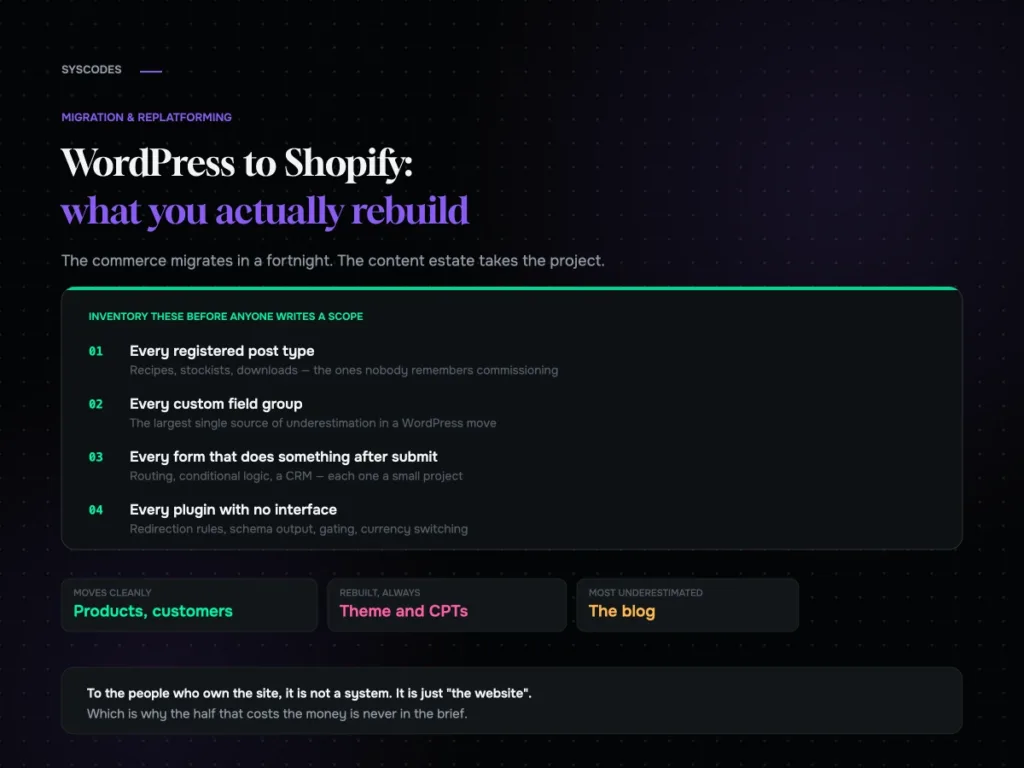
WordPress to Shopify: what transfers and what you rebuild
What genuinely transfers from WordPress to Shopify, what gets rebuilt, why the blog is the part everyone underestimates, and the split architecture most brands are never…

Migrating without losing your search traffic
How to build a redirect map from reality rather than your sitemap, test it in a way that catches the failure no script can see, and…
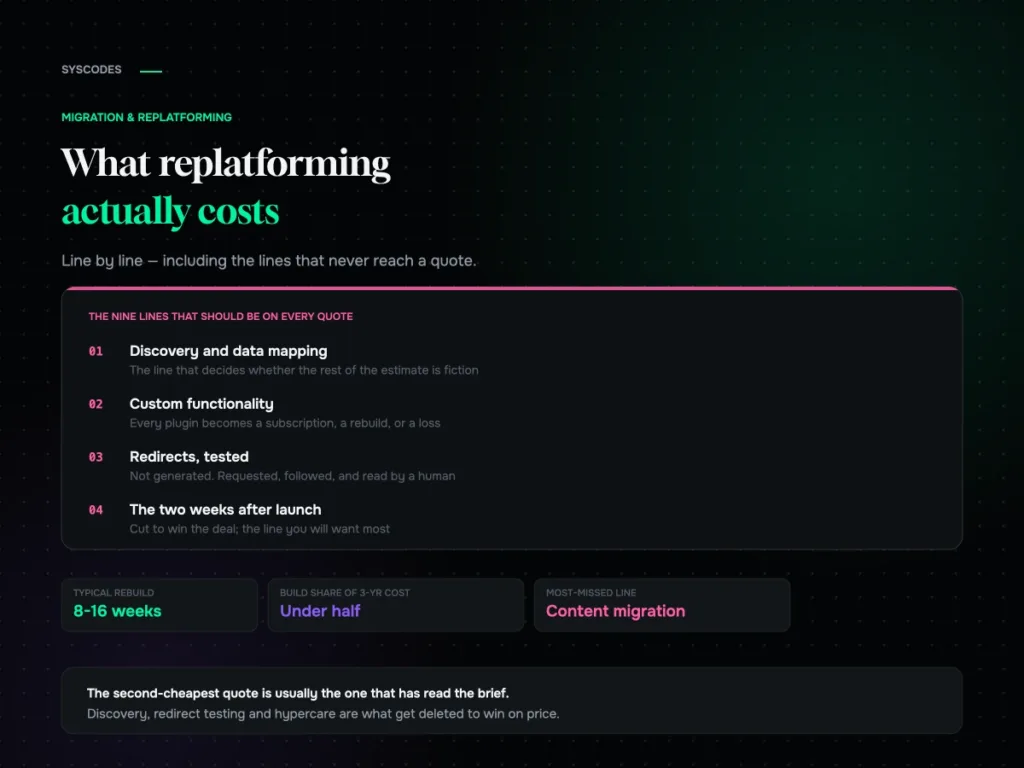
What replatforming actually costs: a line-by-line breakdown
Why replatforming quotes never agree, the nine lines that should be on every one of them, what actually moves the number, and the three-year cost most…
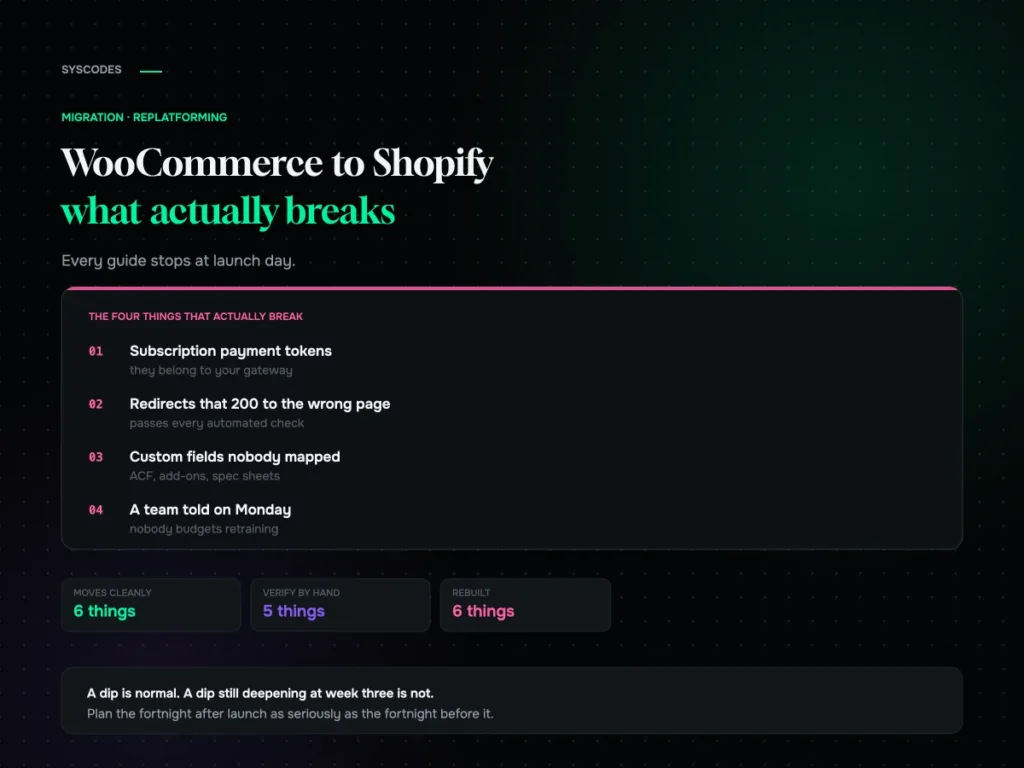
WooCommerce to Shopify migration: what actually breaks
What genuinely does not transfer, how to test a redirect map properly, what a replatform actually costs, and what the traffic dip should look like in…