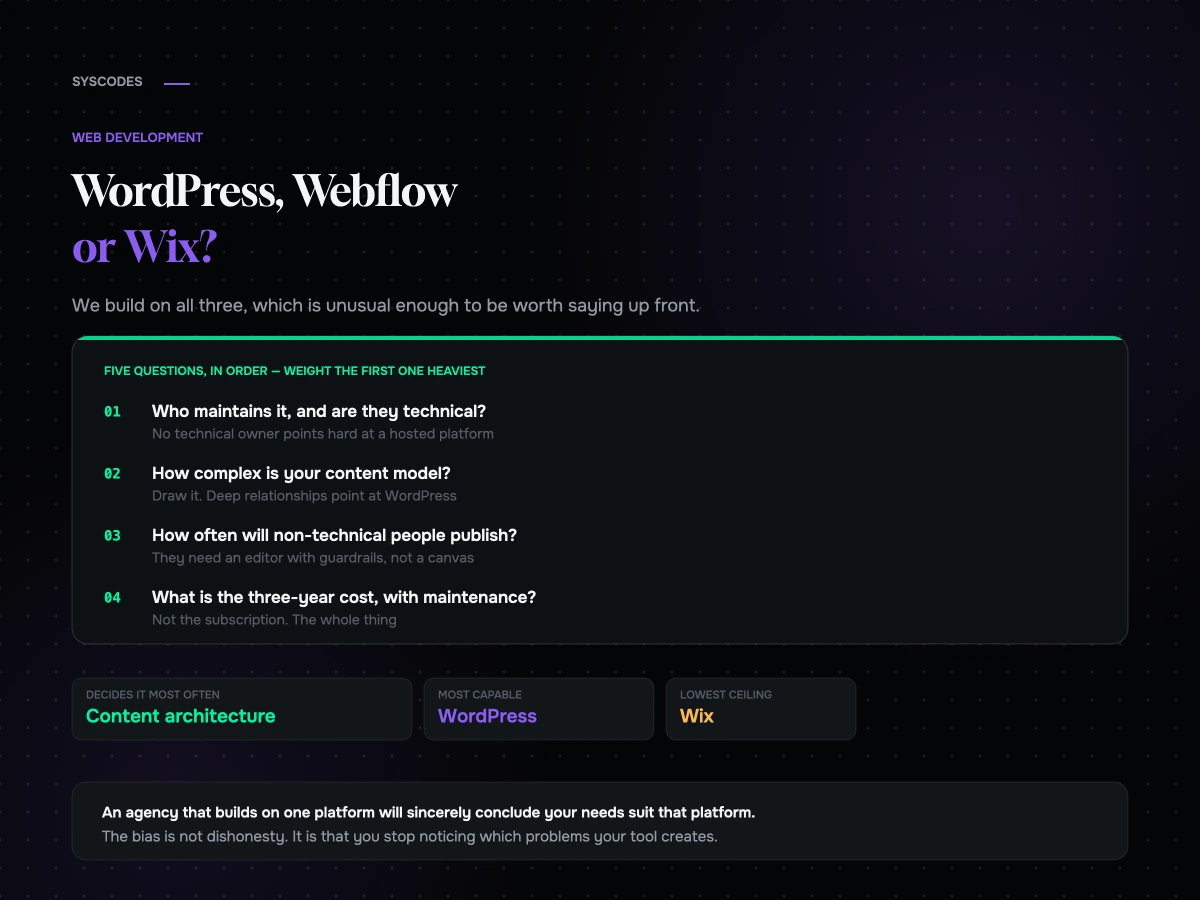
We build on all three of these, which is unusual enough to be worth saying up front, because almost every comparison you will read is written by somebody who only builds on one.
That matters more than it sounds. An agency that only builds on one platform will sincerely conclude that your requirements are best met by that platform, and will be able to argue it well. The bias is not dishonesty; it is that you become very good at solving problems with the tool you use every day, and you stop noticing which problems the tool creates.
So here is the version with no preferred answer. It is also, deliberately, not a feature comparison — because features are the thing that decides this least often.
The question that actually decides it
Not “which has more features”. Not “which is easier”. This one:
Who maintains this site in two years, and what will they be comfortable doing?
Every other consideration resolves into that. A platform your team can operate is worth more than a platform with a better feature list that they cannot. A platform you can hire for locally matters more than one with a nicer editor. And a platform whose maintenance burden nobody has agreed to carry will be out of date within eighteen months regardless of which one it is.
Answer that question first and the rest of this article is mostly confirmation.
What each one actually is
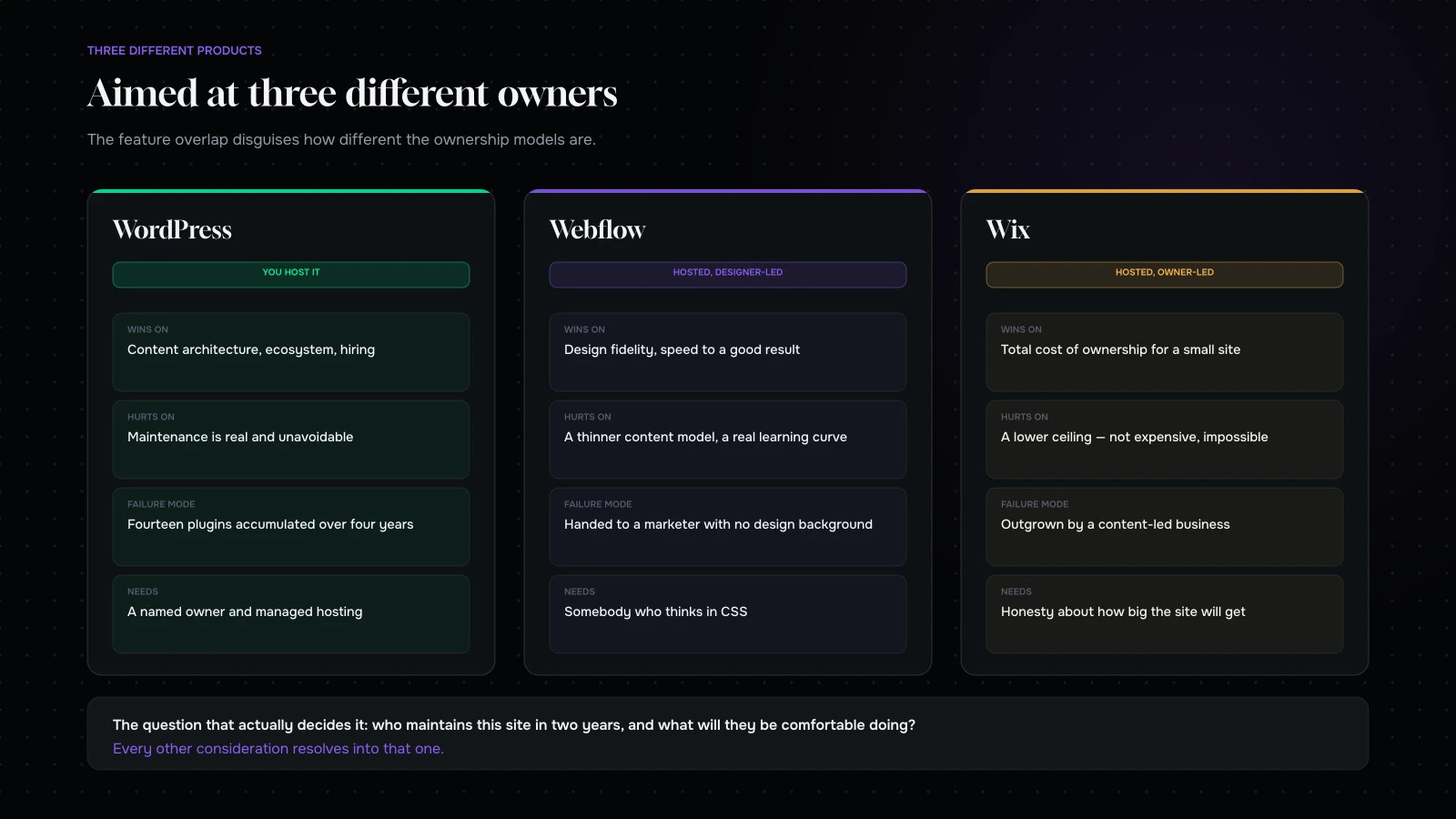
WordPress is open-source software you host yourself. Enormous flexibility, an enormous ecosystem, and a genuine maintenance obligation — core updates, plugin updates, security, backups, performance. It is the most capable of the three and the one that punishes neglect hardest.
Webflow is a hosted visual development platform. You design in a browser, it produces real, clean front-end code, and hosting and infrastructure are included. It is the closest thing to “designed site without a build phase”, and it is aimed at designers rather than developers or marketers.
Wix is a hosted website builder aimed squarely at business owners. Everything is included, nothing needs maintaining, and the trade is that you are working inside a more constrained system. It has improved substantially and is still frequently dismissed by people who last looked at it years ago.
Where each genuinely wins
WordPress wins on content architecture. Custom post types, taxonomies, relationships, editorial workflow, multilingual, and a content model that can be as structured as your business needs. If you publish a lot, or publish several different kinds of thing that relate to each other, nothing else here comes close.
It also wins on ecosystem and on hiring. Whatever you need to do, somebody has built something adjacent, and you can find people who know it in every market at every price point.
Webflow wins on design fidelity and speed to a good result. A designer can build a site that looks genuinely custom without a developer, and the output is clean and fast rather than the bloated markup that visual builders historically produced. For a marketing site that needs to look distinctive and does not need deep content structure, it is often the fastest route to a good outcome.
It also wins on the handover problem. What a designer builds is what ships, which removes an entire category of friction.
Wix wins on total cost of ownership for a small site. Everything included, nothing to maintain, one bill, and a genuinely capable editor for somebody who is not technical. For a small business whose site is a well-presented brochure with a contact form, it is frequently the correct answer and it is frequently dismissed for reasons of taste rather than fit.
Where each genuinely hurts
WordPress: the maintenance burden is real and unavoidable. Plugin sprawl is the default failure mode — every problem has a plugin, plugins conflict, and a site that accumulated fourteen of them over four years is slow, fragile and hard to update. It also gives you enough freedom to build something badly, and a great deal of what exists in the world was built badly.
Webflow: the content model is thinner than WordPress. Collections handle a lot, and there are limits on how many you get and how they relate, which you will meet if your content is genuinely complex. It also has a real learning curve — it is a design tool with the mental model of CSS underneath, and a marketer without that background will not be productive in it. And pricing scales with the site in ways that need checking for your case.
Wix: the ceiling is lower. When you need something the system does not do, you frequently cannot do it at all, rather than doing it expensively. Content structure is limited. And moving off it is the hardest of the three, because there is no meaningful export path for a site’s structure and design.
Content architecture is what decides it most often
Here is the exercise that settles more of these than any other.
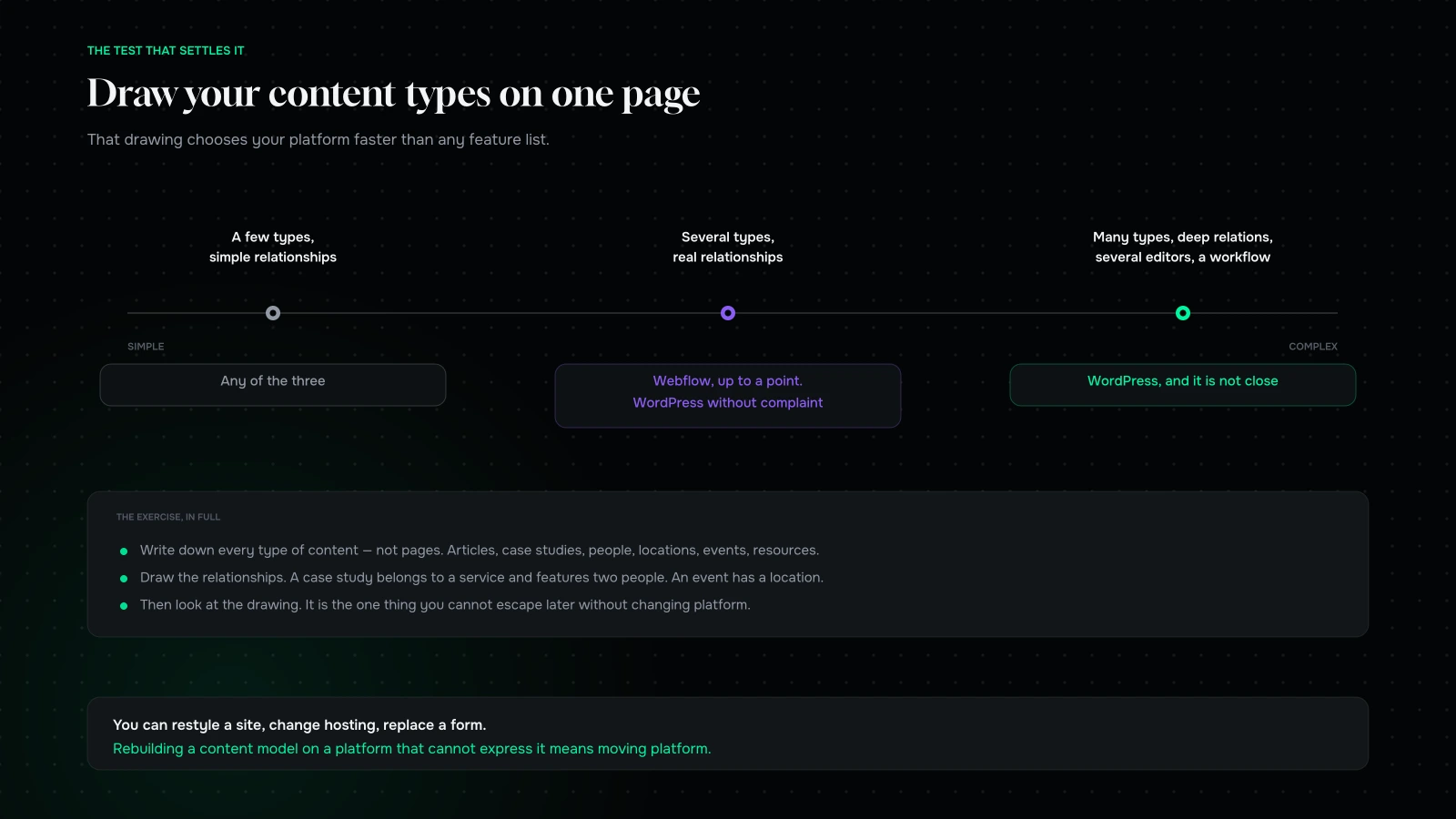
Write down every type of content your site will hold. Not pages — types. Articles, case studies, people, locations, events, products, resources, testimonials, job listings. Then draw the relationships: a case study belongs to a service and features two people; an event has a location and a speaker.
Look at the drawing.
A handful of types with simple relationships — any of the three will do it comfortably, and you should decide on other grounds.
Several types with real relationships between them — Webflow will do this well up to a point, and WordPress will do it without complaint at any scale. Wix will struggle.
Many types, deep relationships, several editors, and a publishing workflow — WordPress, and it is not close.
The reason this is the best single test is that content architecture is the thing you cannot escape later. You can restyle a site, you can change hosting, you can replace a form. Rebuilding a content model on a platform that cannot express it means moving platform.
Cost, honestly, over three years
The comparison people run is monthly subscription against monthly subscription, which is the least informative version.
Wix is close to all-in. One subscription, hosting included, maintenance included, and for a small site the build cost is low or zero if somebody in the business does it.
Webflow is a subscription plus a build cost, with hosting and maintenance included. The build cost is real — a good Webflow site is designed and built by somebody who knows what they are doing — but the ongoing side is predictable and small.
WordPress has the lowest licensing cost and the highest total. Hosting, backups, security, updates, premium plugins and someone’s time to keep it all working. Budget a maintenance relationship, not just a build. Brands that do this are extremely happy with WordPress for a decade. Brands that do not end up with the sites we get called in to rescue.
The pattern: Wix is cheapest for a small static site, Webflow is most predictable for a designed marketing site, and WordPress is cheapest at scale and most expensive if neglected.
Lock-in, and what leaving costs
Worth knowing before you start, because every platform is a decision you will revisit eventually.
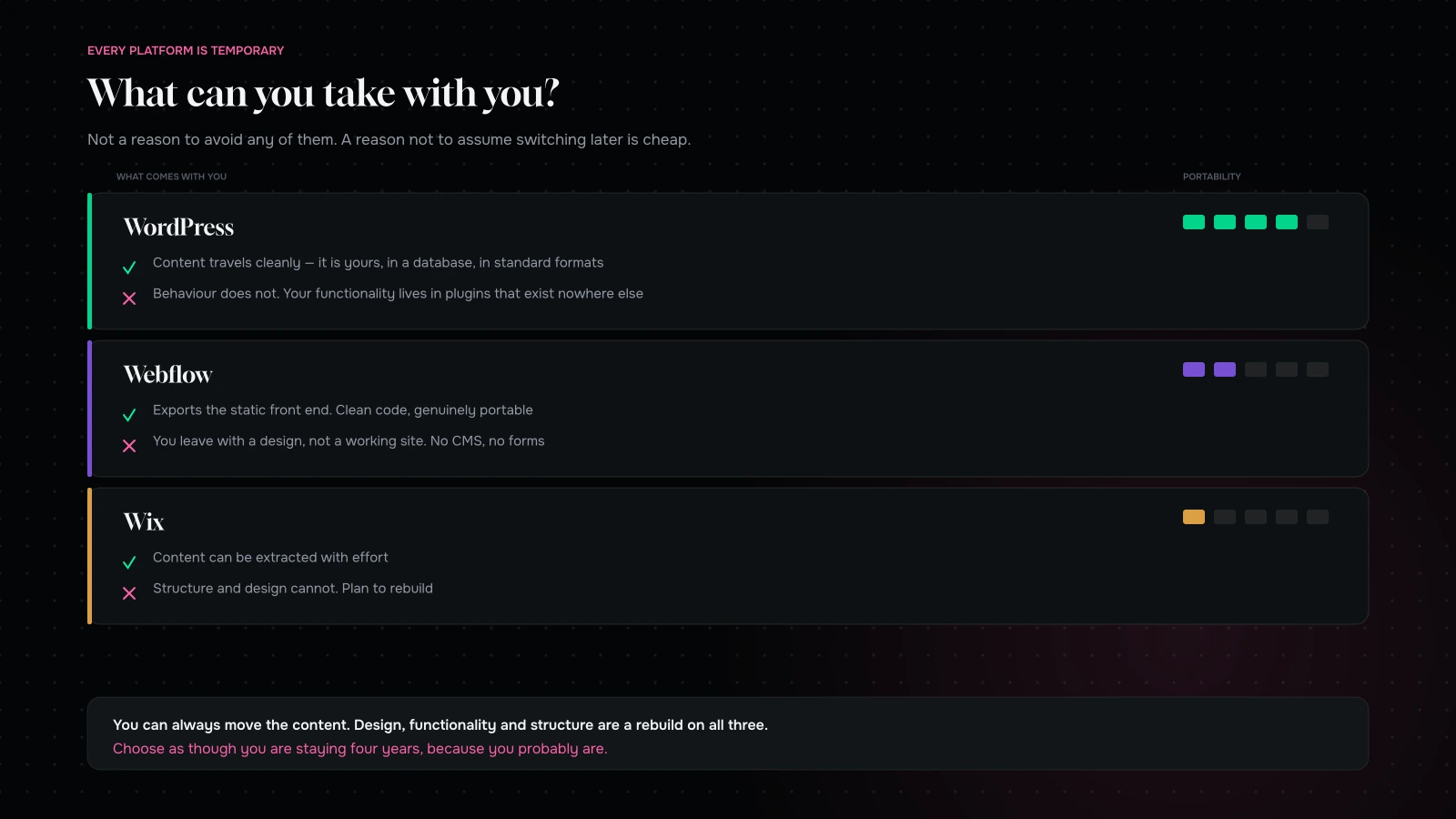
WordPress is the easiest to leave in one sense — your content is yours, in a database, exportable in standard formats — and the hardest in another, because your functionality lives in plugins that exist nowhere else. Content travels. Behaviour does not.
Webflow exports code, which sounds like freedom and is partial: you get the static front end, not the CMS or the forms. You leave with a design, not a working site.
Wix is the most closed. Content can be extracted with effort, structure and design cannot. Plan to rebuild.
None of this should stop you choosing any of them. It should stop you choosing one on the assumption that switching later is cheap, because it is not, on any of them.
The claims that come up every time
Five things that get said in every one of these conversations, and what is actually true.
“WordPress is better for SEO.” Not inherently. All three can produce fast, well-structured, crawlable pages, and your implementation decides it far more than your platform does. What WordPress genuinely gives you is better content tooling — and if your organic traffic depends on a large body of related content, that is a real advantage that gets mislabelled as an SEO advantage.
“Webflow is not real code.” It is. The output is standard HTML and CSS, and it is usually cleaner than what a hurried WordPress theme produces. The honest limitation is not code quality; it is the content model and what happens when you need server-side logic.
“Wix sites are slow.” This was fairer years ago than it is now. Modern Wix sites can perform perfectly well, and most slow sites on any platform are slow because of images, video and third-party scripts. Judge the platform on its ceiling, not on a reputation from 2018.
“WordPress is free.” The software is. Hosting, security, backups, premium plugins and somebody’s time are not, and together they usually exceed a hosted subscription until the site is large enough to justify them.
“You can always move later.” You can always move the content later. Design, functionality and structure are a rebuild on all three. Choose as though you are staying for four years, because you probably are.
Two failure modes, one per direction
Overbuilding. A five-page business site put on WordPress with a custom theme, because that is what the agency builds. Two years later nobody has updated the plugins, the contact form has stopped emailing, and the business does not know who to call. Everything about that site would have been better on a hosted platform. This is the most common mistake we see in small business web work and it is nearly always the agency’s fault rather than the client’s.
Underbuilding. A content-led business on a platform whose content model cannot express what they publish. Symptoms: a “blog” containing four different kinds of thing, no way to relate them, categories doing three jobs at once, and a growing pile of manual workarounds. It works for two years and then the cost of the workarounds exceeds the cost of the migration.
The tell in both cases is the same. Ask what the site will need to do in three years, not what it needs to do at launch, and choose for that — with the caveat that “we might need it one day” is not a requirement. Something being planned and funded is.
What we would choose, by business shape
A local service business with a brochure site and a contact form. Wix, or WordPress on managed hosting if there is any chance of it growing into something content-led. Do not overbuild this.
A funded startup that needs to look excellent and publish occasionally. Webflow. Fast to a distinctive result, no infrastructure to think about, and the marketing team can edit pages without breaking anything.
A business whose organic traffic comes from a body of content. WordPress, and it is not close. This is the case where the platform decision has the largest financial consequence.
A business with a complex content model, several editors and a publishing workflow. WordPress.
An ecommerce business. A different question entirely — see Shopify vs WooCommerce at scale.
A business with no in-house technical capability and no agency relationship. Whichever hosted platform they can actually use. The right platform for a business that will not maintain a site is one that does not need maintaining.
Who actually edits the site, and what they will do
The most under-weighted input in this decision is the person who will be publishing on Tuesday afternoon.
If that person is a designer, Webflow is a joy and WordPress is a compromise. They will build things that look right without asking anybody, and the site will keep improving.
If that person is a marketer without design training, they need an editor with guardrails: pre-built blocks they can assemble, not a canvas they can break. That is achievable on all three, and it is a build decision rather than a platform decision — a badly-built WordPress site and a badly-built Webflow site are both hostile to a marketer.
If that person is the business owner, occasionally, between other jobs, choose whichever they can use without relearning it every time. In practice that usually means a hosted builder, and the honest reason is not capability. It is frequency: a tool you use once a month has to be forgivable in a way that a tool you use daily does not.
If that person does not exist, do not buy a site that requires one. This sounds obvious and it is the single most common mismatch we find — a flexible, powerful, expensive site handed to a business with nobody to operate it, which then sits unchanged for three years.
Ask to see the editing experience before you sign anything. Not a screenshot of the admin — a live demonstration of somebody adding a new page and publishing it. If that takes more than five minutes on a demo, it will take twenty minutes in practice, and it will not happen.
A note on hosting, for the WordPress path
If WordPress is your answer, one decision does more for the outcome than any theme or plugin choice: where it lives.
Cheap shared hosting is where good WordPress sites go to become slow. Managed WordPress hosting costs more per month and includes the things that otherwise become nobody’s job — updates staged and tested, backups that have been restored at least once, a staging environment, caching configured properly, and somebody to call.
Budget for that from the start rather than discovering it after the first incident. It is the difference between the version of WordPress that people recommend and the version people complain about, and it is almost entirely a hosting and maintenance question rather than a software one.
The five questions, in order
- Who maintains it, and are they technical? No technical owner points hard at a hosted platform.
- How complex is your content model? Draw it. Deep relationships point at WordPress.
- How often will non-technical people publish? Frequent publishing needs an editor they will actually use.
- How distinctive does it need to look? Very distinctive, fast, with no build phase, points at Webflow.
- What is the three-year cost including maintenance? Not the subscription. The whole thing.
If those five point in different directions, weight the first one heaviest. It is the one that determines whether the site is still good in year three.
What it comes down to
There is no best platform here, and anybody who tells you otherwise builds on exactly one of them.
WordPress is the most capable and the most demanding. Webflow is the fastest route to a distinctive designed site with no infrastructure to worry about, within a thinner content model. Wix is the lowest total cost for a small site and the lowest ceiling.
Draw your content types on one page, then decide who is going to look after this in two years. Those two answers choose the platform between them, and everything else is preference — which is fine, but it should be labelled as preference rather than dressed up as a technical argument.
Stuck between two of them? Send us your content types and who will be maintaining the site through the contact form. We will tell you which way we would go and why — and because we build on all three, we have no particular stake in the answer.
You can also read what a custom website actually costs, or how to brief a web development agency.
Send us your content types and tell us who will be looking after this in two years.
We will tell you which way we would go and why — including the case for the platform that earns us less work. We build on all three, so we have no stake in which one you pick.
If the honest answer is that a hosted builder does everything you need, we will say so. Buying a site nobody in the business can operate is the most common mistake in this whole area.
More on Web Development
Building, briefing and maintaining a website that still works in year three.

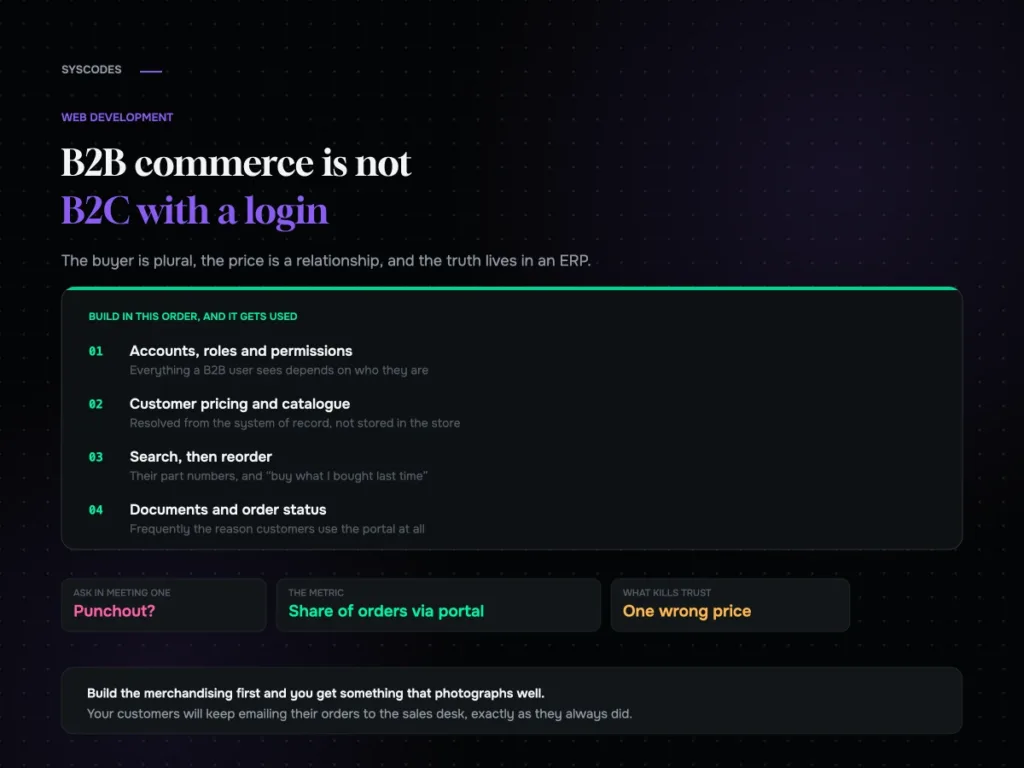
B2B commerce is not B2C with a login: what actually changes
What genuinely changes in a B2B commerce build: account structure, resolved pricing, the order workflow, punchout and ERP integration — and what to build first to…
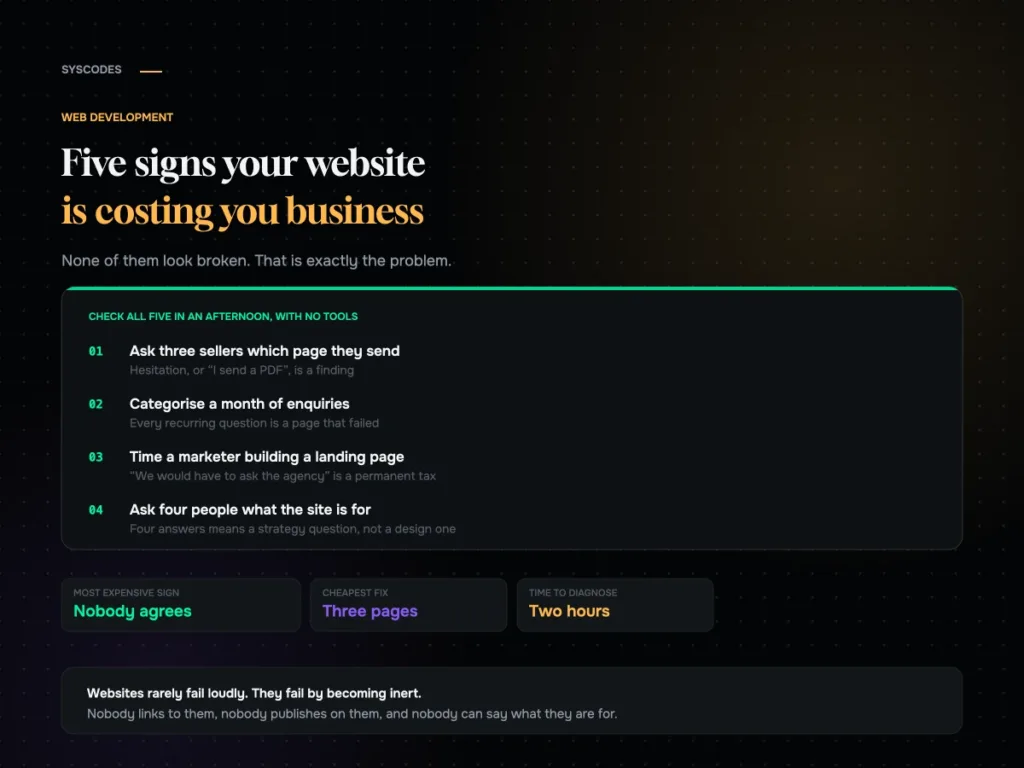
Five signs your website is costing you business
Five quiet signs that a website has stopped earning, how to check every one of them in an afternoon with no tools, what each one costs,…
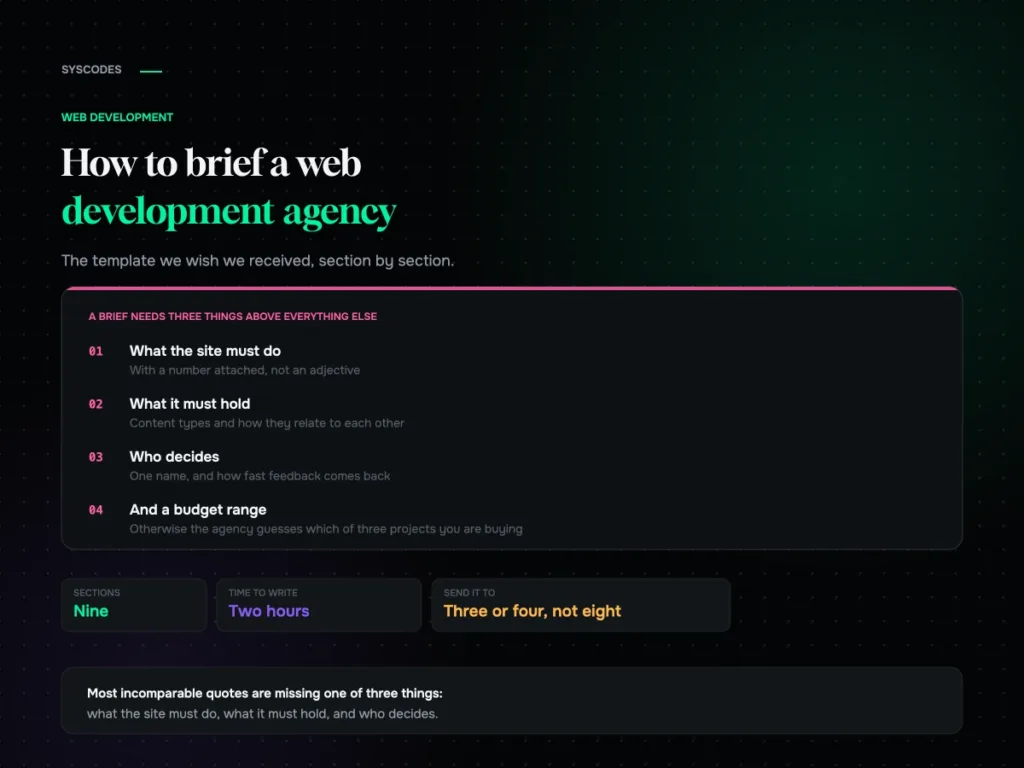
How to brief a web development agency (with a template)
A nine-section website brief template, why a budget range helps you, the five details that make quotes comparable, what not to include, and how to read…
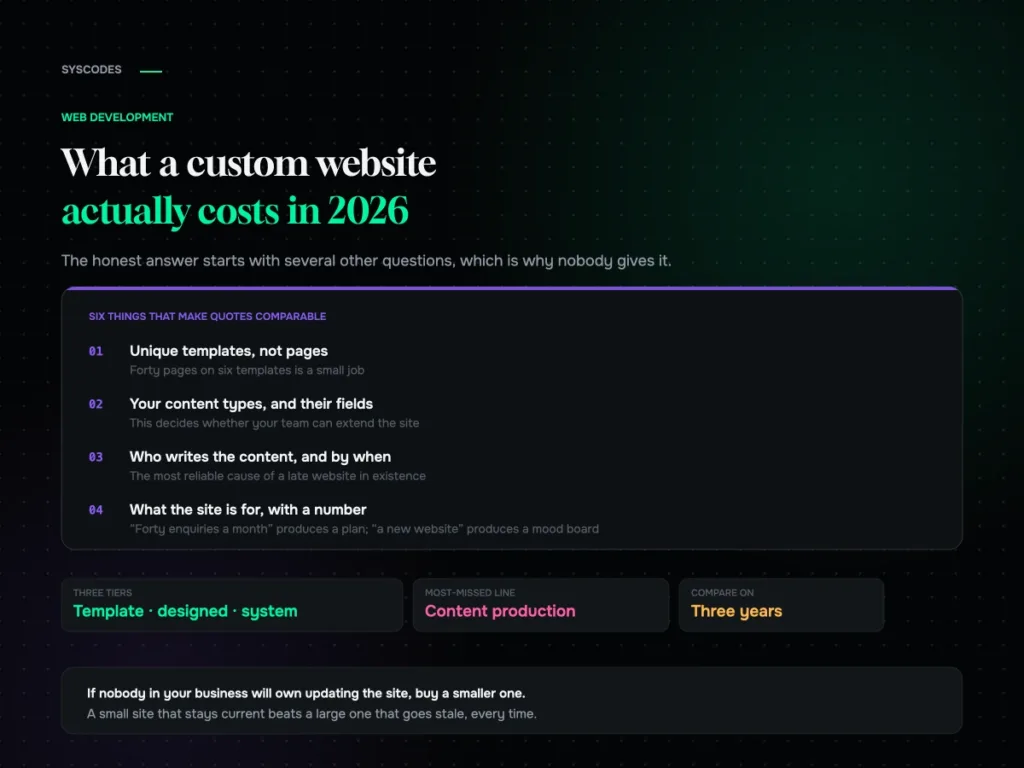
What a custom website actually costs in 2026
The three tiers of website project, the nine lines on every quote, what genuinely moves the number, what a cheap quote quietly removes, and the three-year…
